

BPM software – Create, Design and Search SOP Policies
VerityBeyond BPM - GRC SOP Policy Management
In the SOP Policy Management view we can define the standard operating procedure steps.
To initiate a new SOP design workflow, select Design SOP Workflow New SOP class
enter the name of the SOP class, and save it.
In the same way, to define the steps for the workflow click on Design SOP Workflow
Safety Policy Risk Playbook select your workflow name
in the steps table add the steps for the workflow. Note each step in the workflow should be brief and less than 8 words
to keep it short and concise.
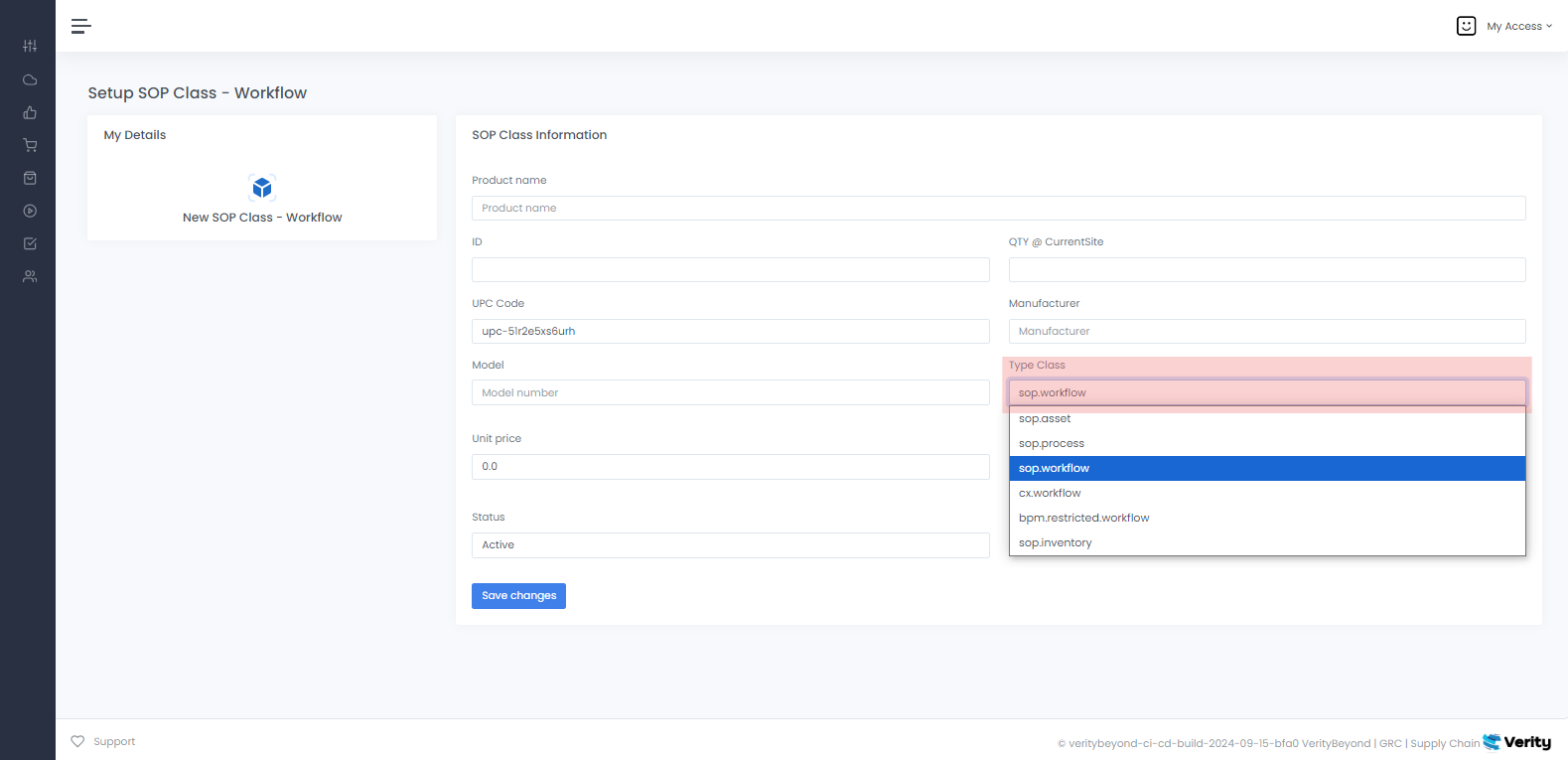
VerityBeyond BPM-GRC | New SOP Policy Class
To create anSOP Policy Class, the first step is to establish the product or service NAME, which will later be linked to the SOP Policy.
Once this is done, you can proceed to the Design SOP Workflow page to complete the process. Make sure you select the right SOP TYPE from the pull down
menu. An SOP policy represent a business process in your organization or your functional practice area. Subject matter experts create the business processes after consulting with their business stakeholders. This blue-print sets the standard for what process will be followed when processing that type of request. Business users, risk managers, IT systems engineers can create their work specific SOP design workflows based on their requirements and use cases. If you can describe your process in a short series of steps.
 How to design SOP Workflows
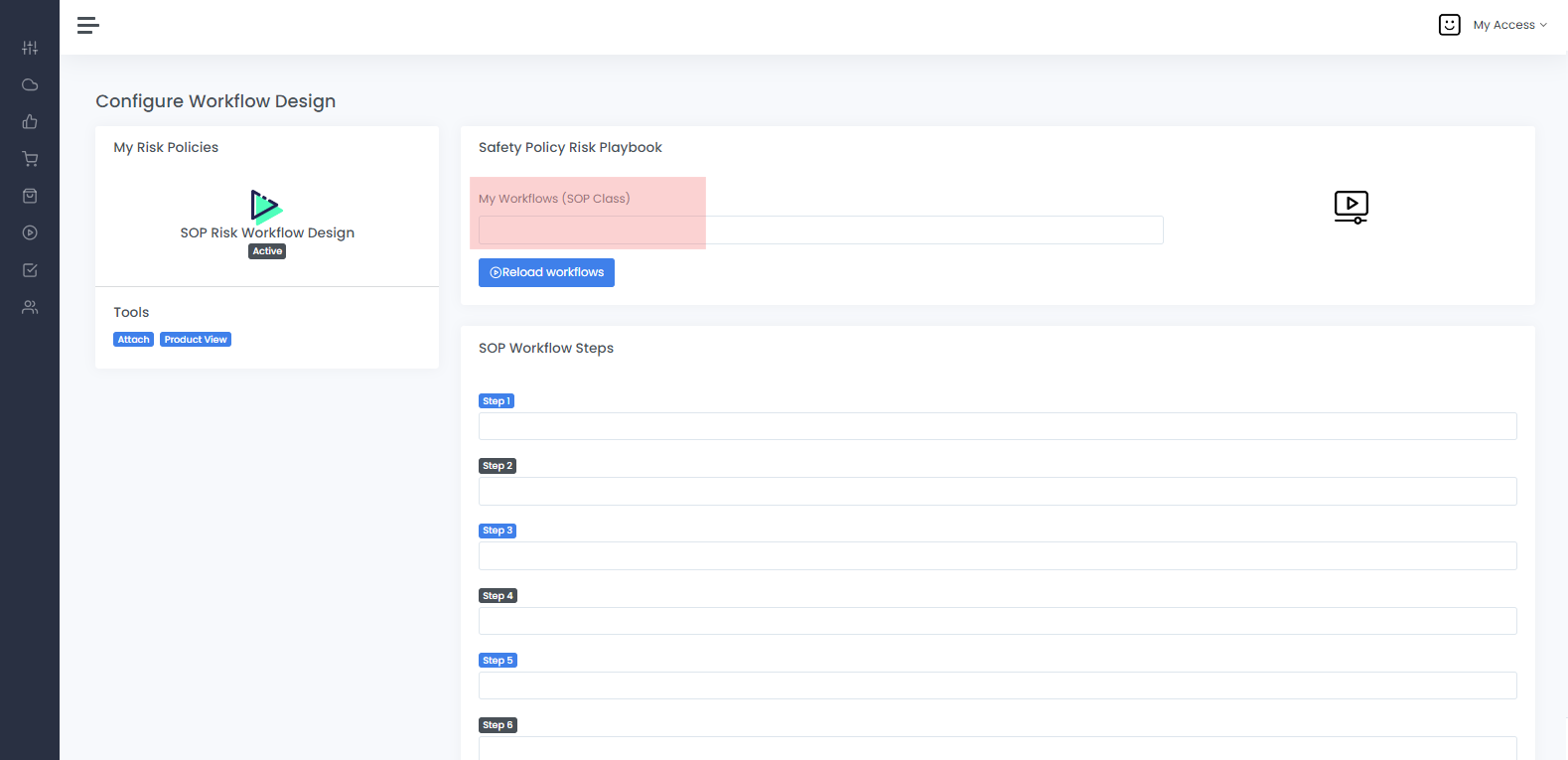
Design SOP Workflow
You will see the SOP design studio user interface view, here you can add the steps for the main workflow. The steps are the items that we need to complete to process the customer order or service request. When designing SOP workflow here are some best practices to follow
- Keep the total number of workflow steps to be around 5 SOP steps. Brevity, conciseness and simplicity makes it easier for your business process to be followed.
- If the workflow is very detailed involving a large number of steps, try to break it down into logical sequential substeps, and use a number convention, for example, Order workflow - stage 1, Order workflow stage 2, Order workflow stage 3 ...
- The content also in each of the steps should be short, concise and brief
- You can also attach a document giving detailed explanations, every SOP workflow will reference this document in the attachments UI, you can use this if you need to add detailed explanations
This section provides users with essential tools for managing Standard Operating Procedures (SOPs). The menu offers options to design SOP workflows,
search SOP runs, and create new SOP classes. SOP's outline step-by-step procedures and workflows for specific tasks or processes. Users can easily
access and review SOP workflow steps, ensuring clarity and adherence to established protocols.
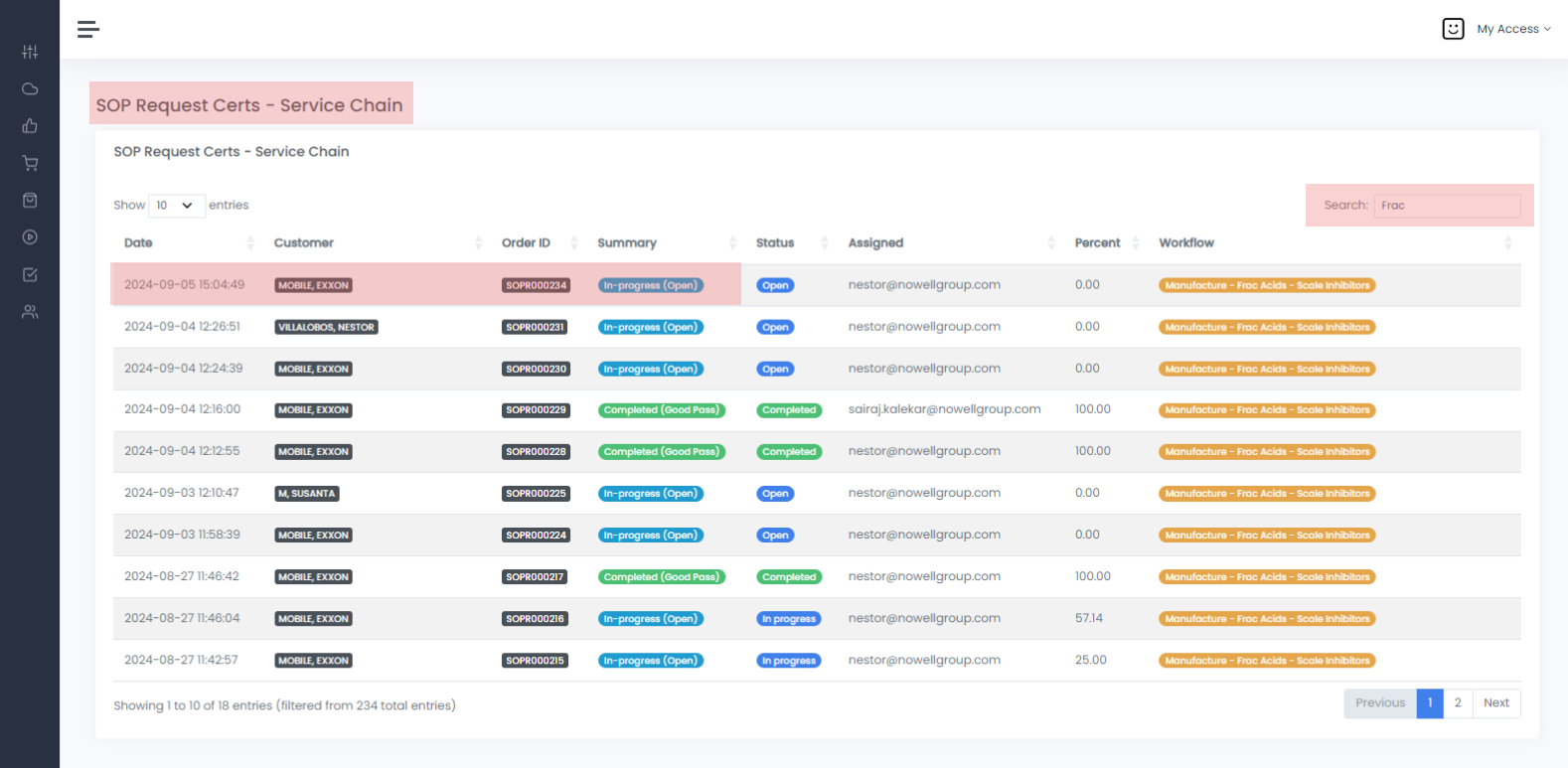
Searching SOP Runs
Start by searching for the SOP name or ID even Customer Name, by clicking on in you will have access to theSTEPS part of the Design SOP process.
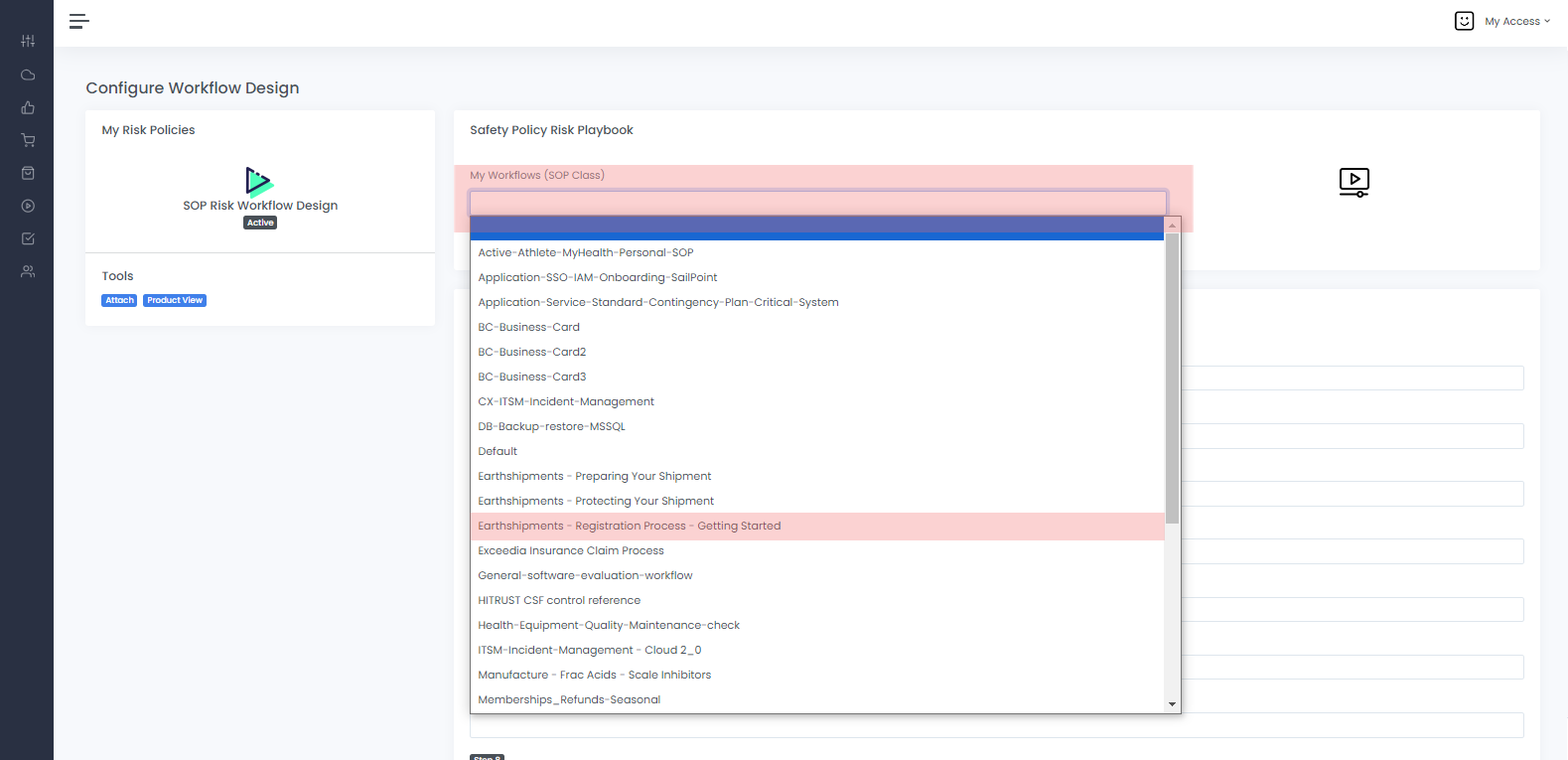
Design SOP Workflow Tools
In this window is where you select theSOP Name from the list by clicking on the Workflows SOP class, find it and select it then start adding the steps corresponding to the SOP.
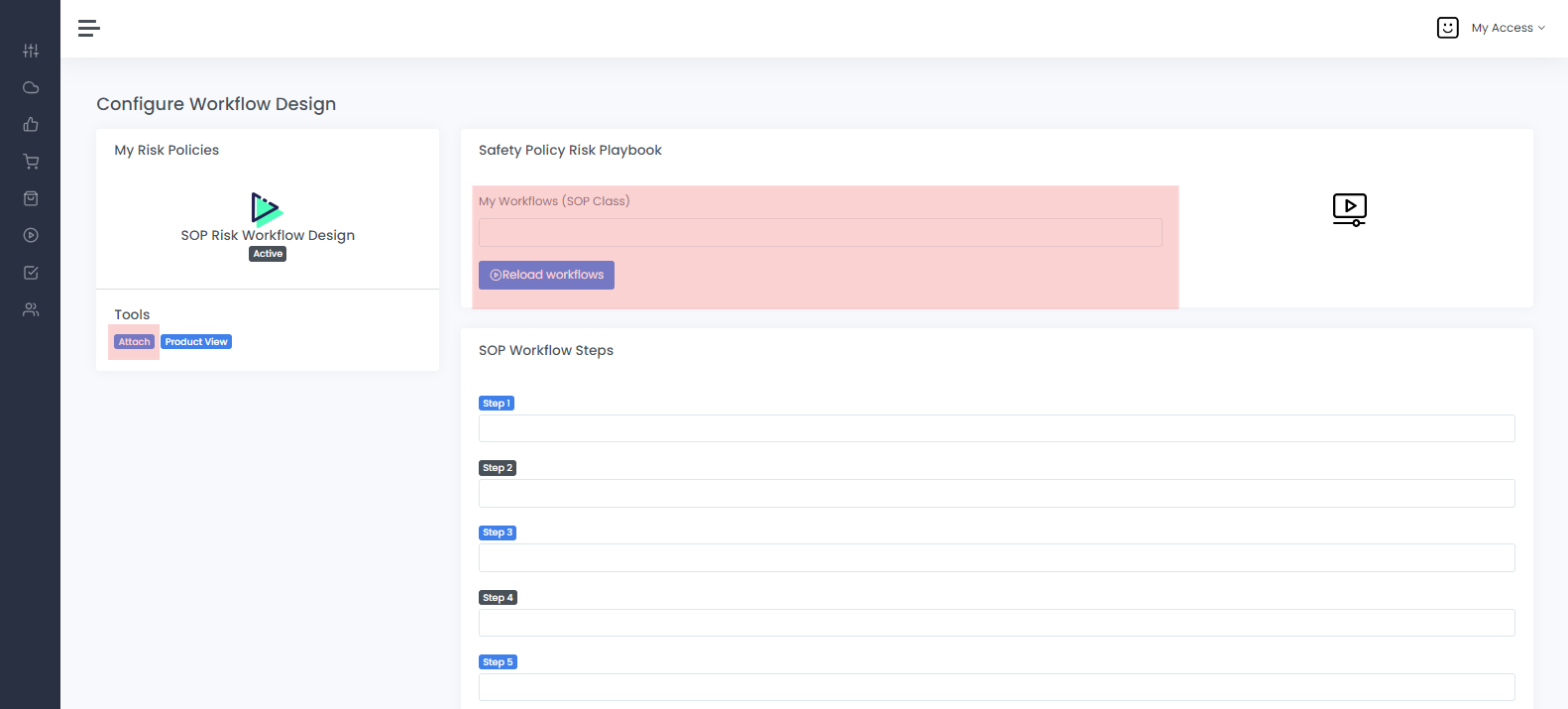
SOP Runs Attached
By selecting theSOP name from the pulldown menu under My Workflows SOP Class click on Attach the File Upload to upload the document that complements the SOP that you are designing.
You can also Download any documents found in the list under Download section here.
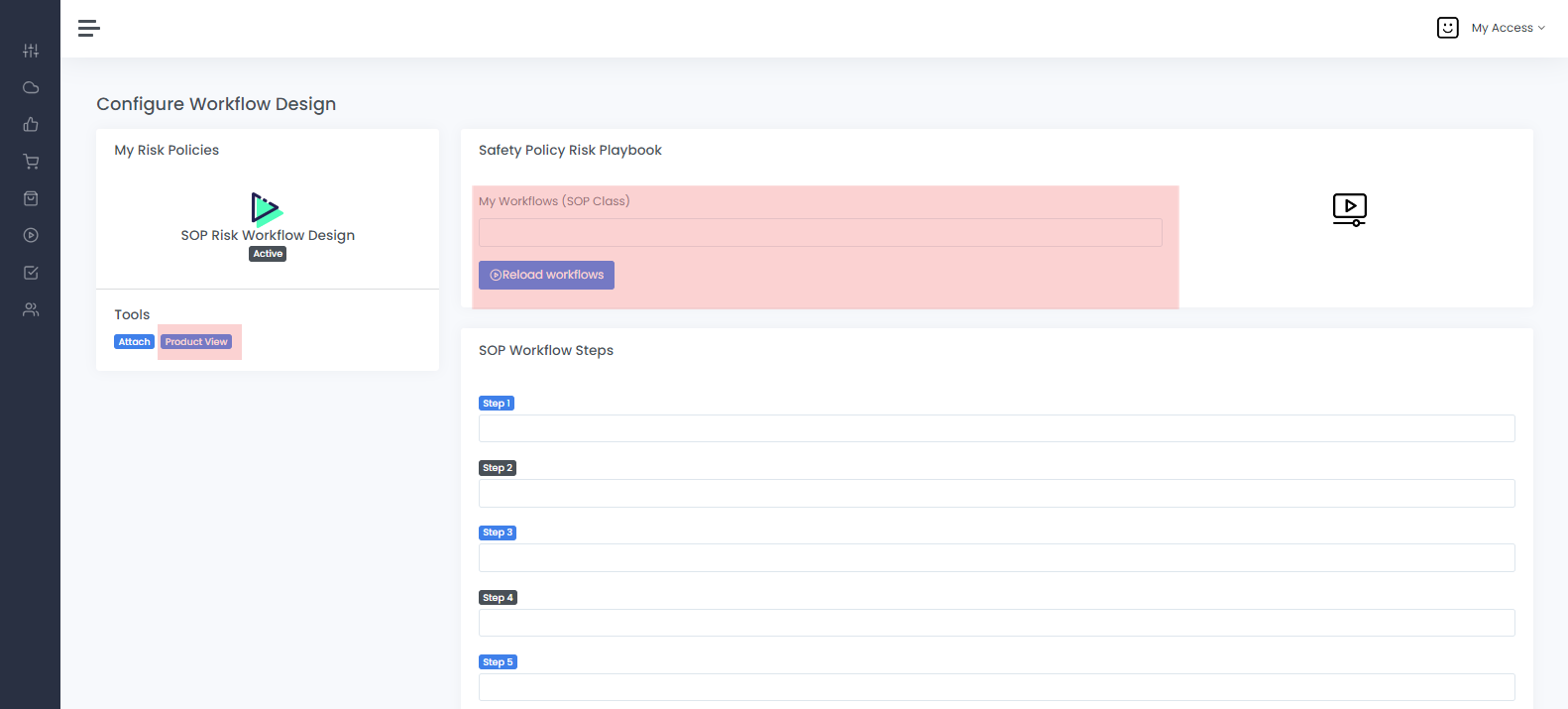
SOP Runs Product View
To view the Product of an SOP always select the SOP name from theMy Workflow (SOP Class)pulldown menu then click on the "Tools" Product View
here you can Add, Delete, Transfer, Show, Edit and Bulk Op Inventory.
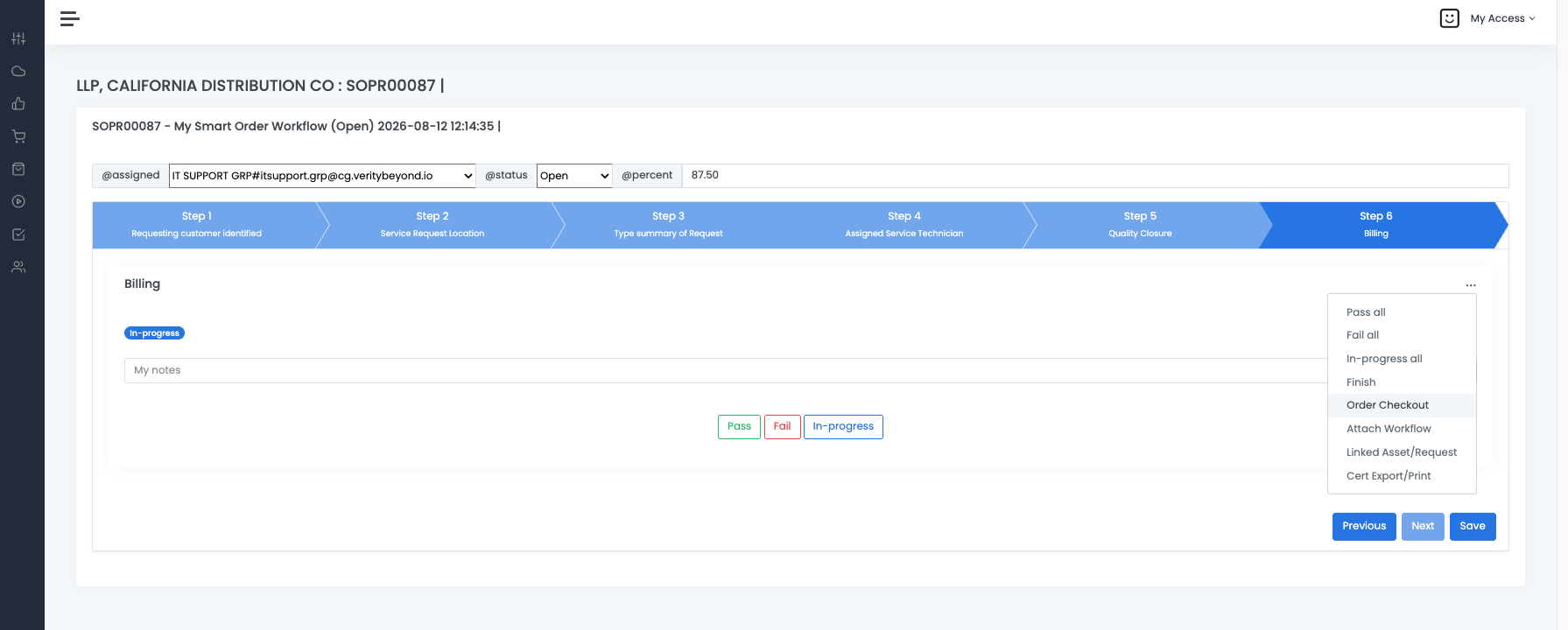
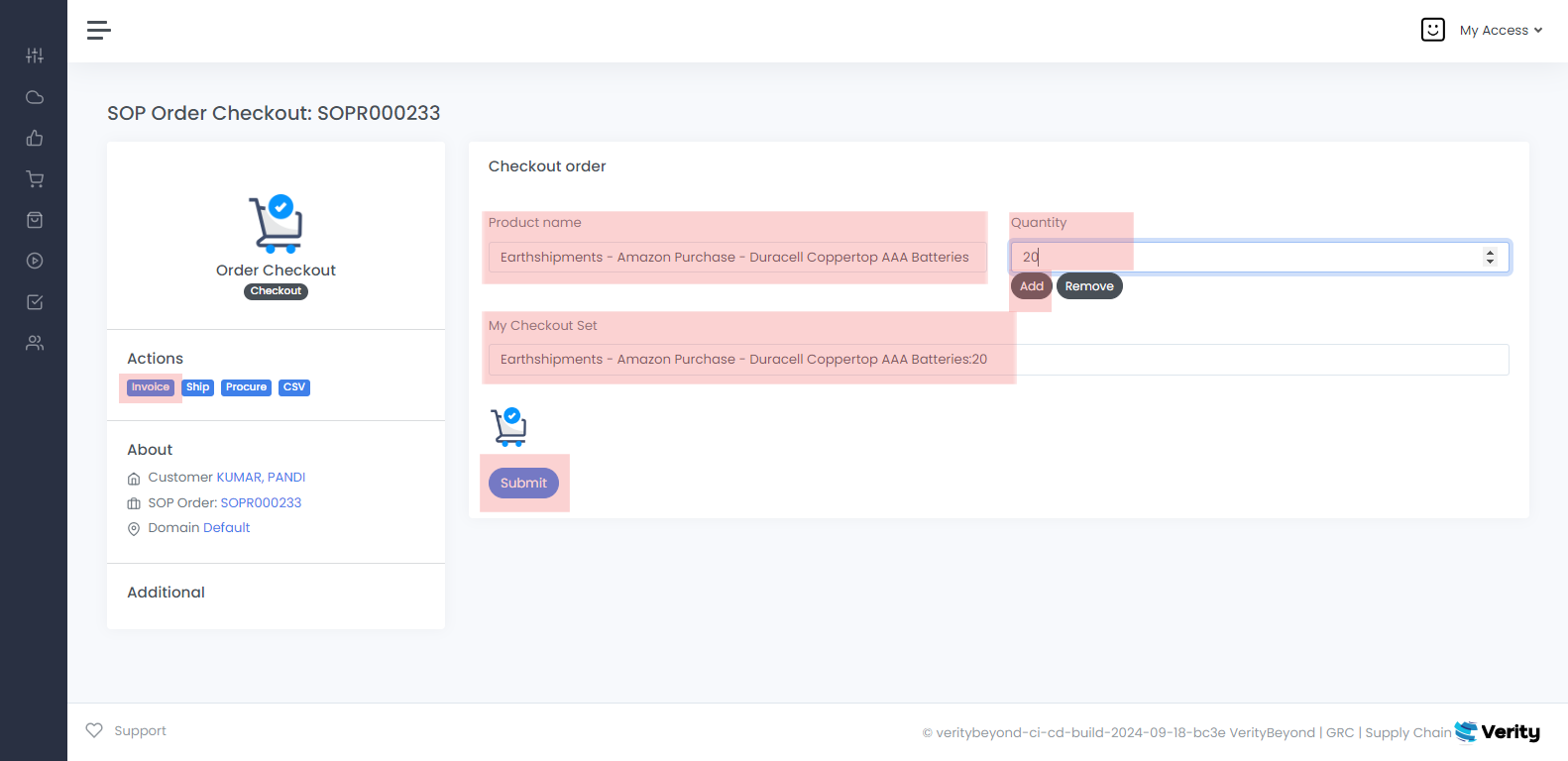
Design SOP Workflow Tools - Details - Invoice
Design SOP Workflow Tools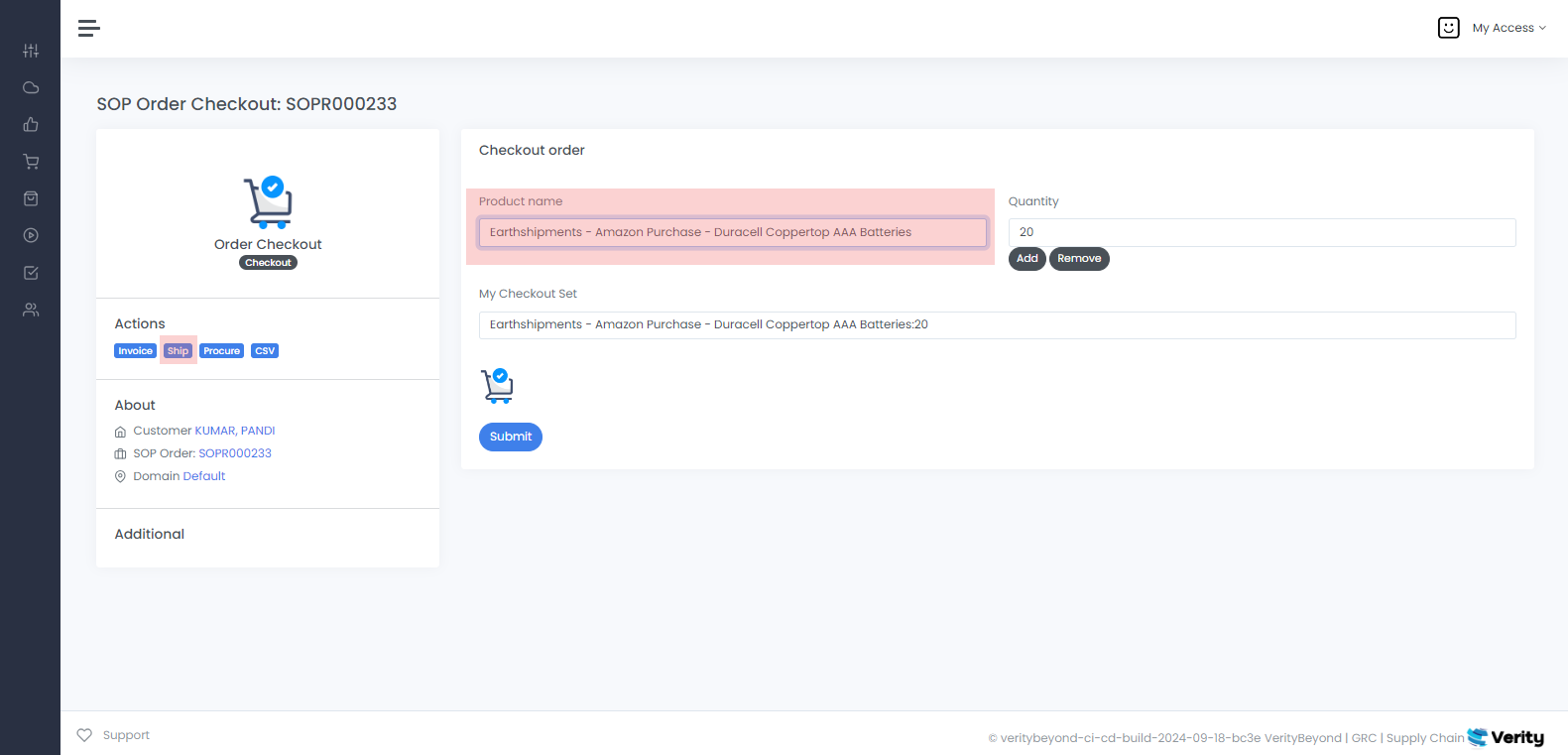
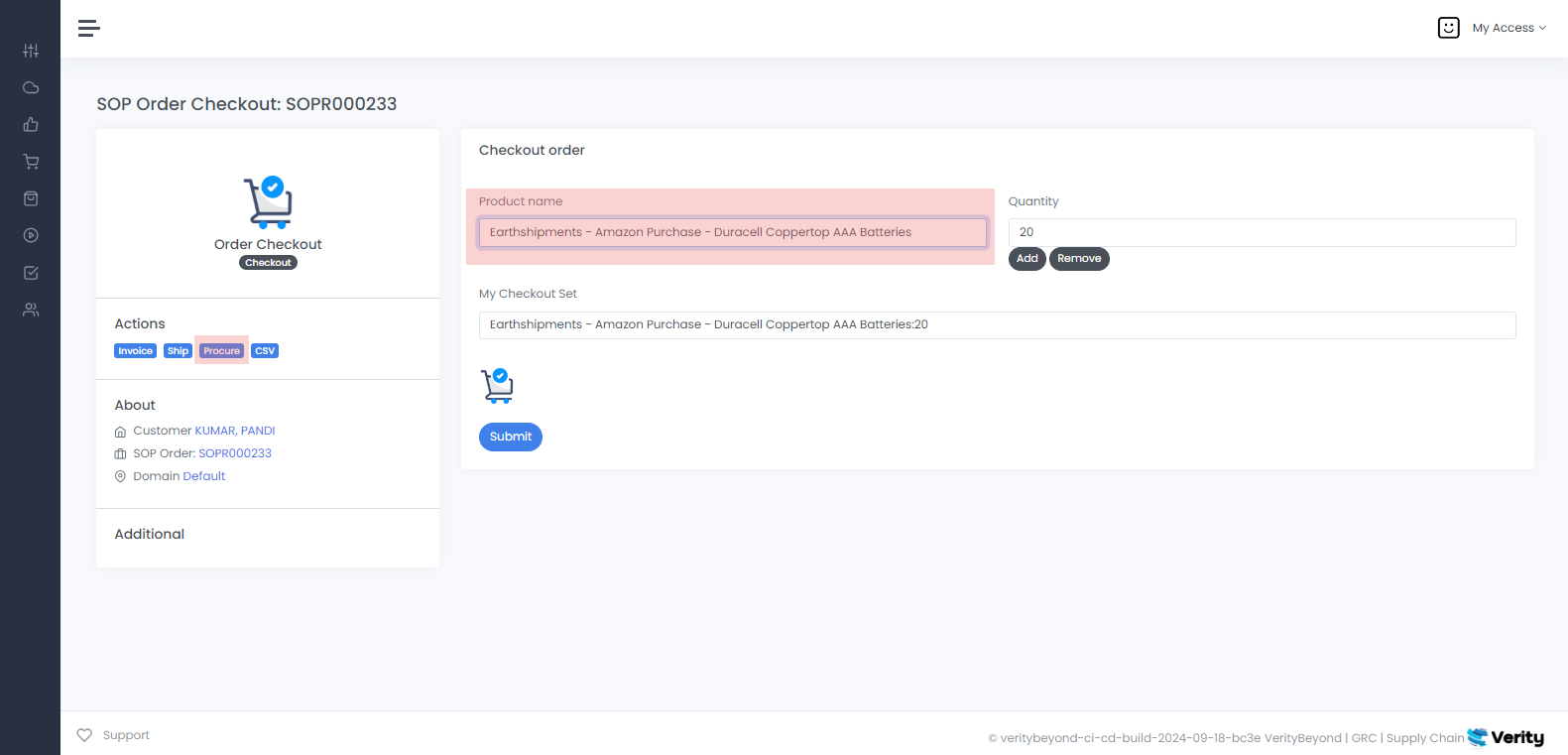
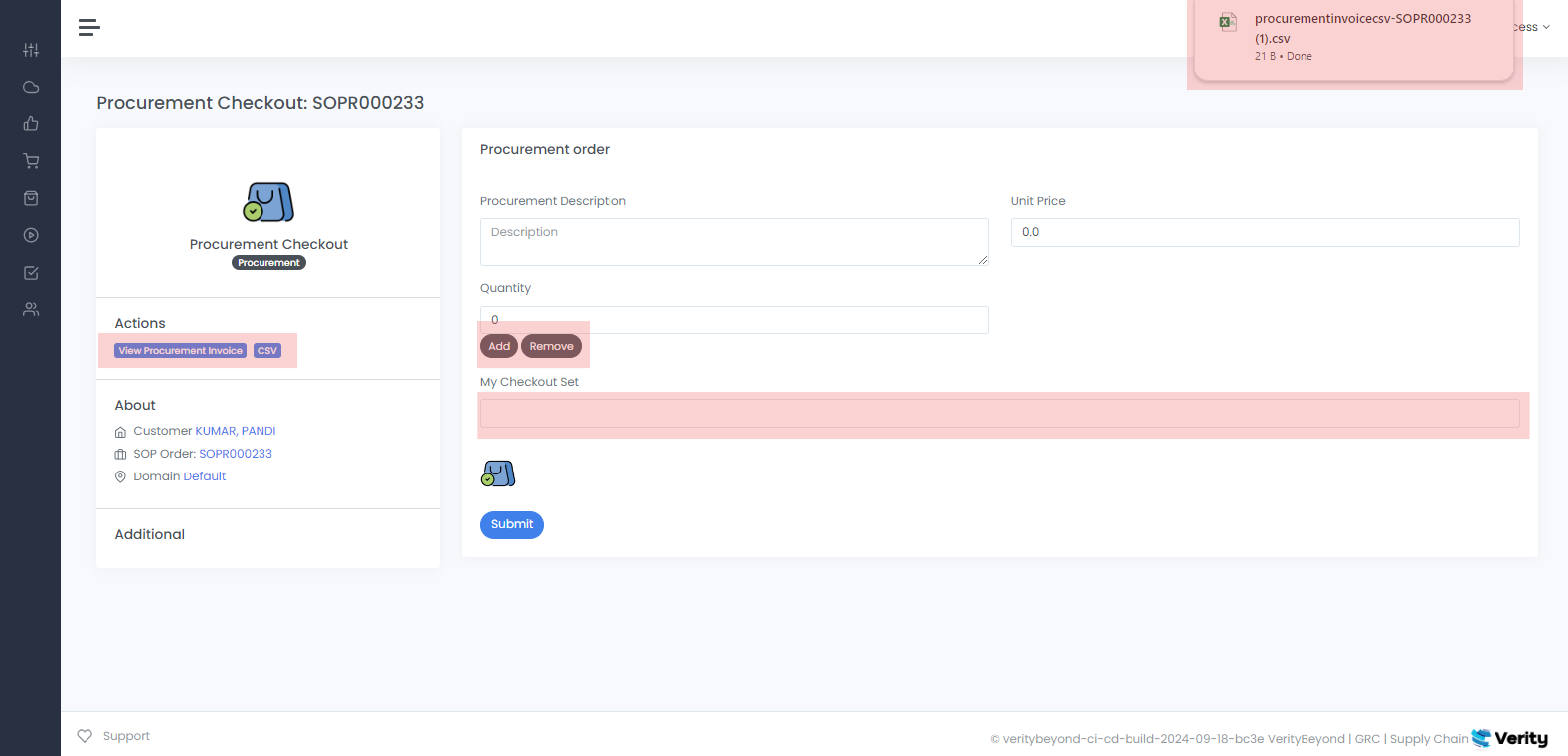
Design SOP Workflow Tools - Details - CSV
Design SOP Workflow Tools
Search SOP Runs
-
The
"Search SOP Runs"feature allows users to track the progress and status of SOP requests, providing transparency and oversight into ongoing operations.