

BPM software – Manage account, reset Passwords and Cloud-Access
VerityBeyond BPM - GRC Account-Cloud Management
Accounts page shows us how to create the BPM user accounts, and manage the internal identities that can access the application, including roles based access control that grants the users various levels of access within the application
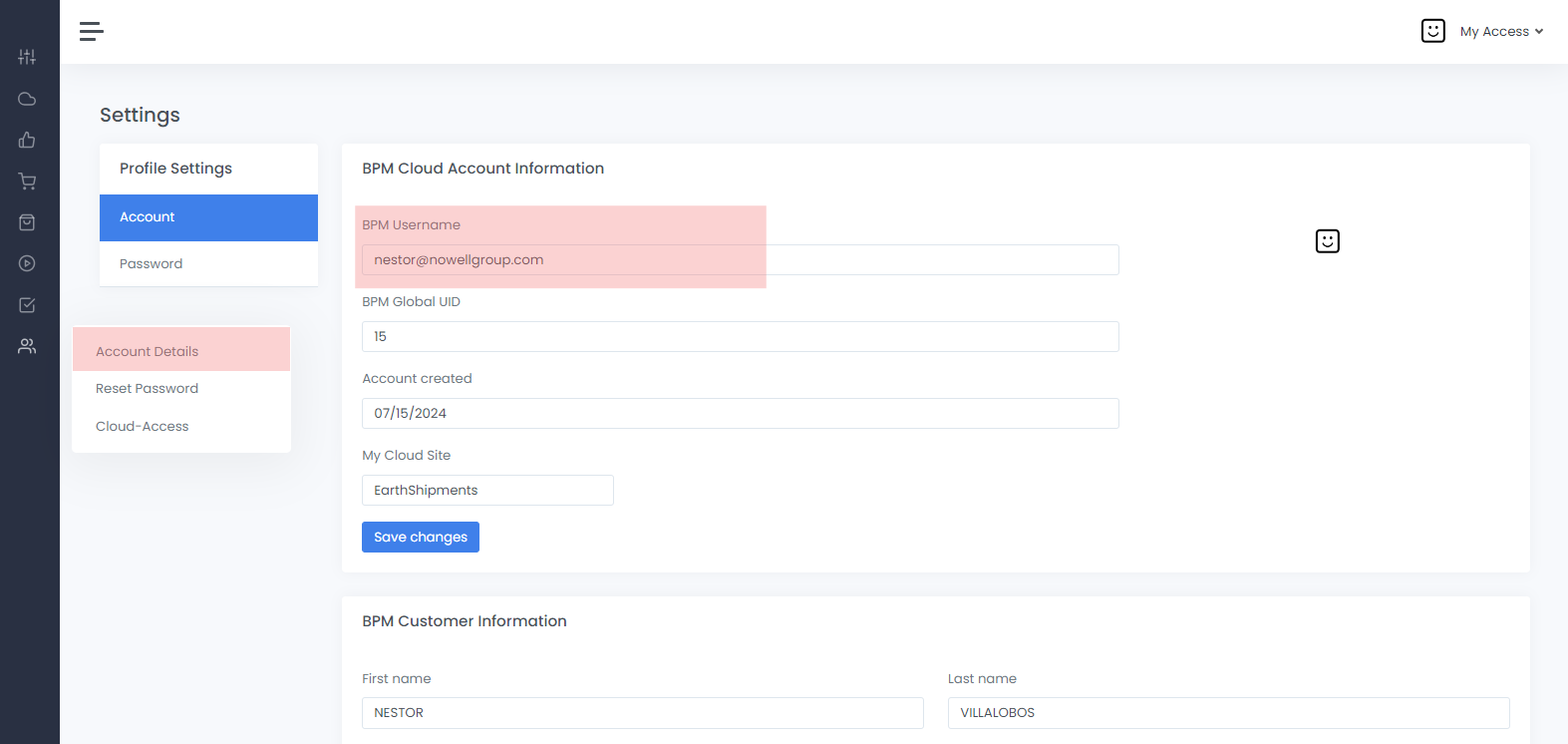
VerityBeyond BPM-GRC | Account Details
In Account details you can specify any information required. Please add the mobile phone number for MFA two factor authentication
 How to Reset your Password
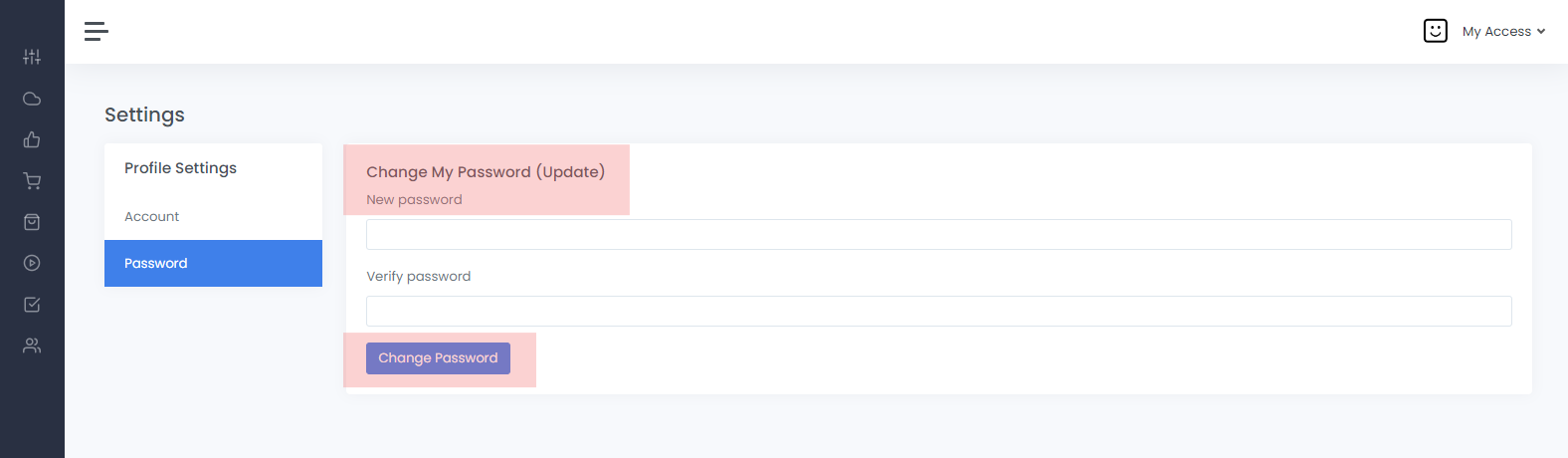
Password reset
Enter your secret password twiceEnter your secret password twice. Your password should be a complex alpha numeric string, preferably a mixture of numbers, letters, upper case, and one special character
Cloud-Access Management - Admin Only
Screenshot of an existing request in the system.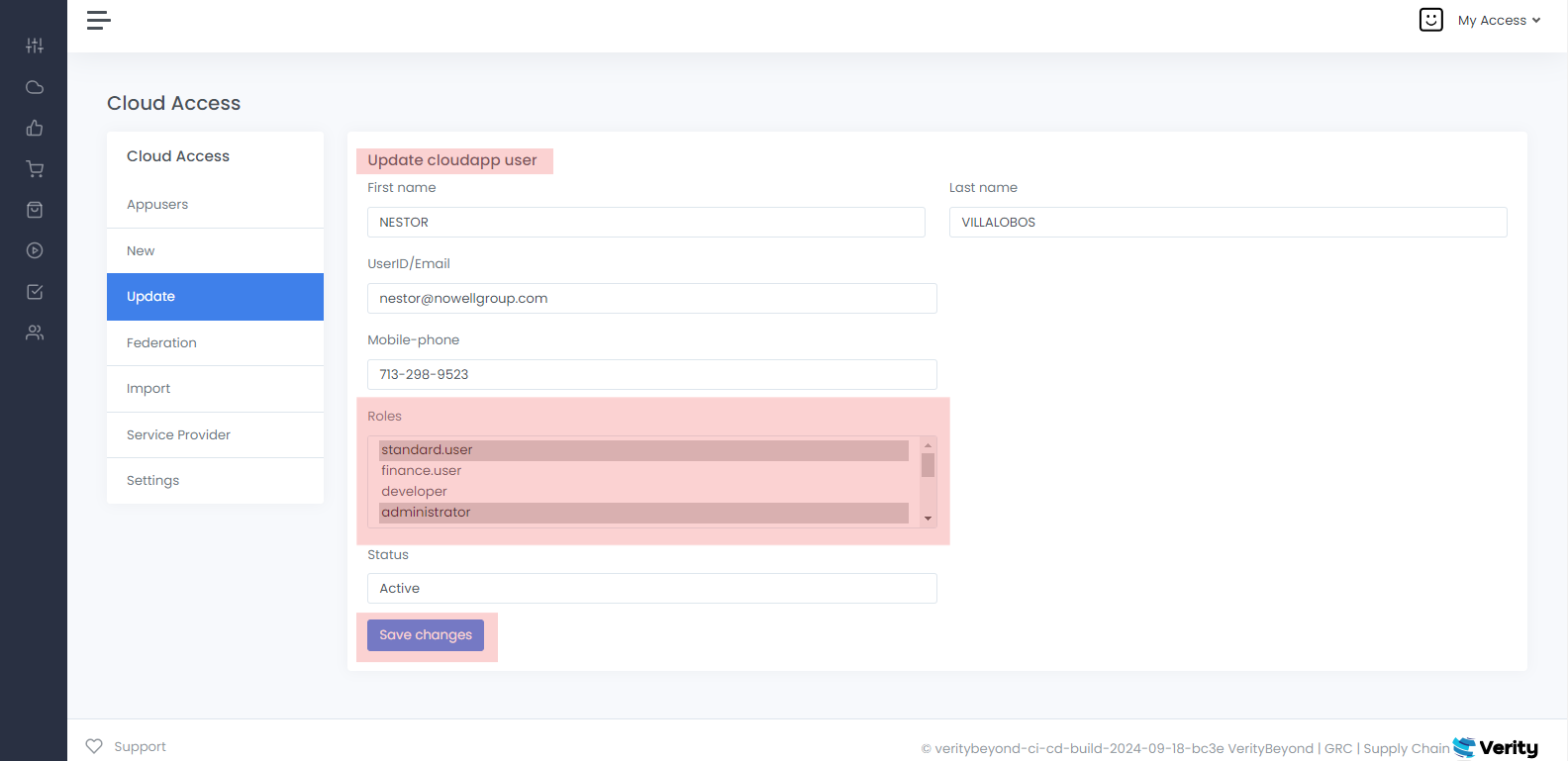
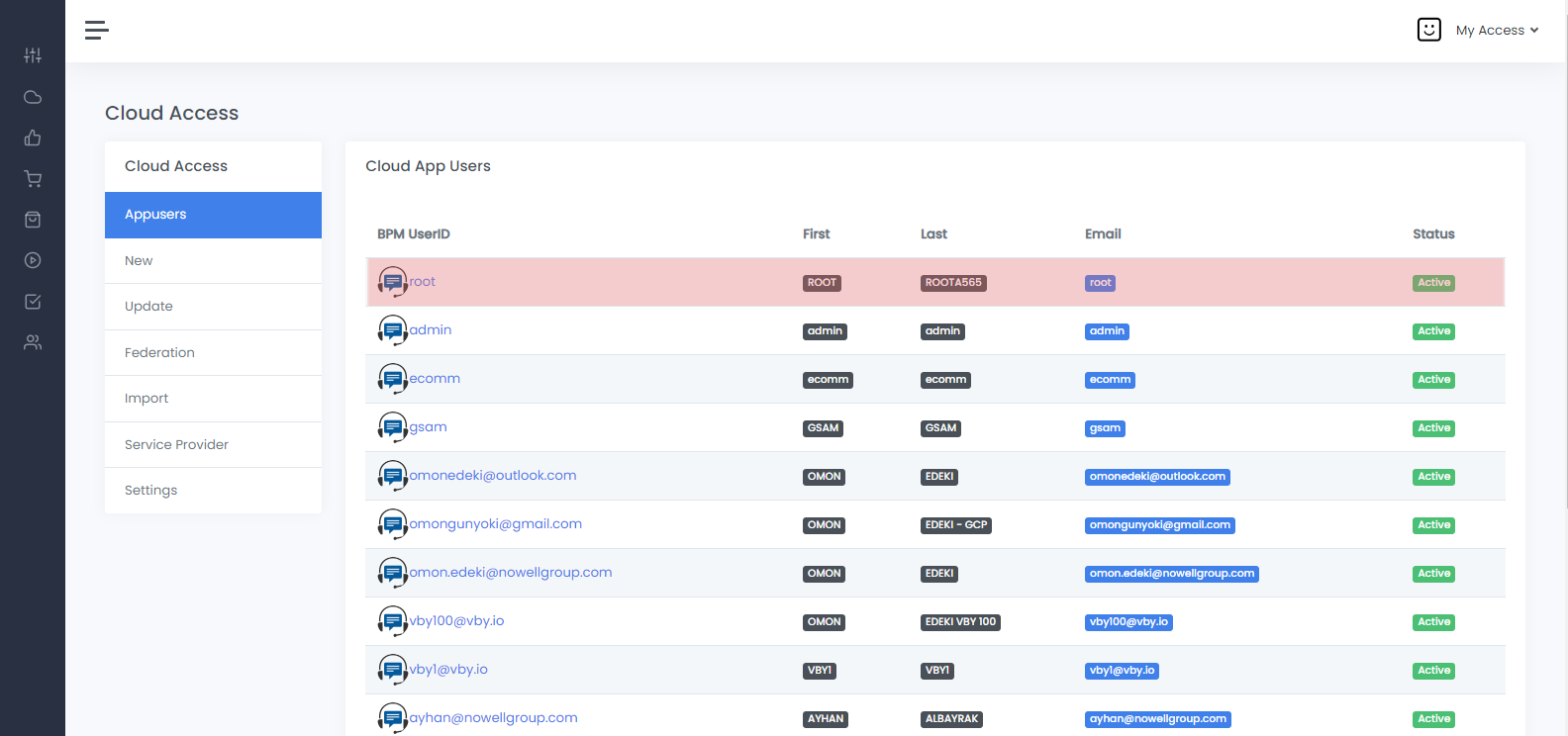
Appusers
Screenshot of an existing request that has been created in the system.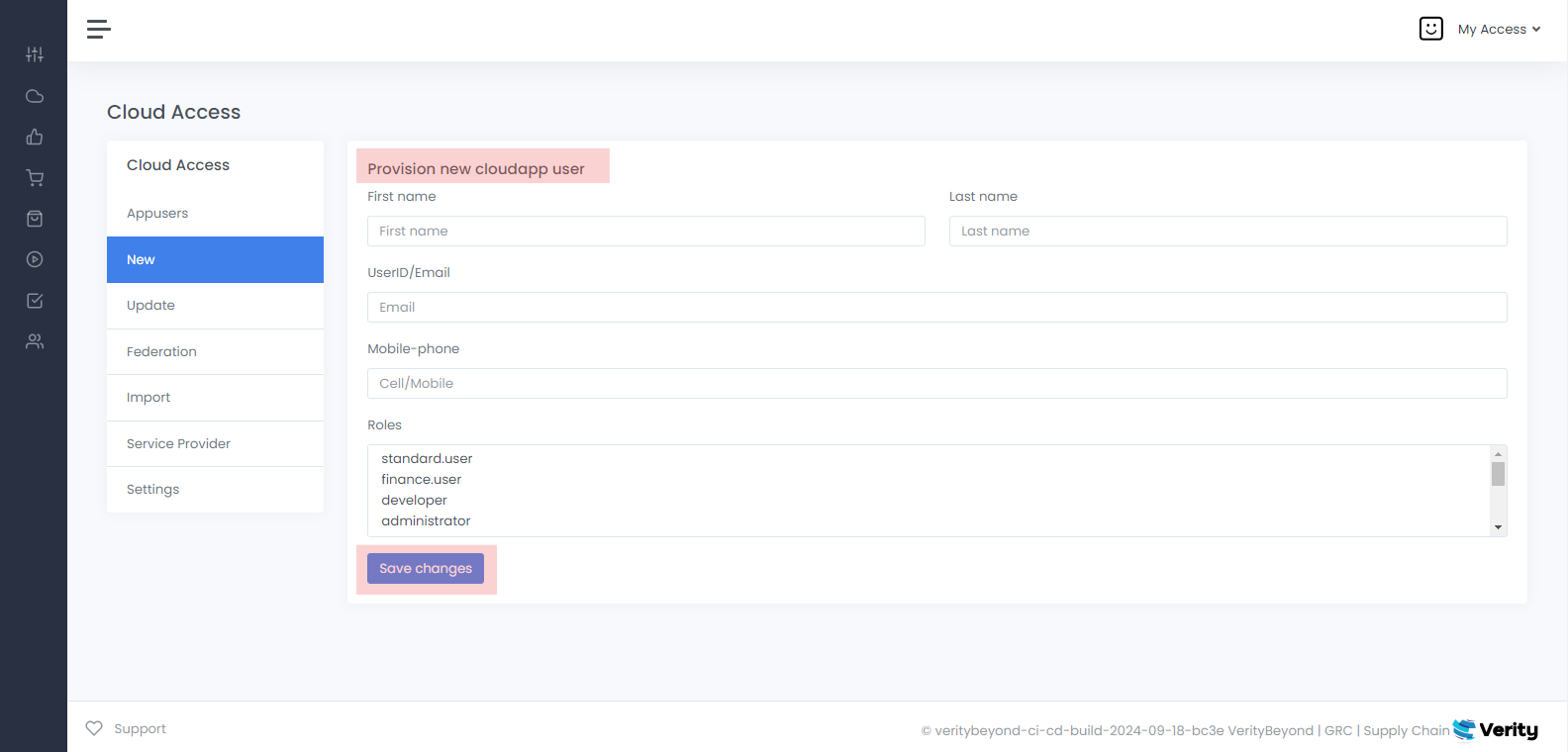
New Cloud Access
To provision an new BPM internal user, enter the required fields. The end user will receive a welcome email and they will receive the login access sent to their email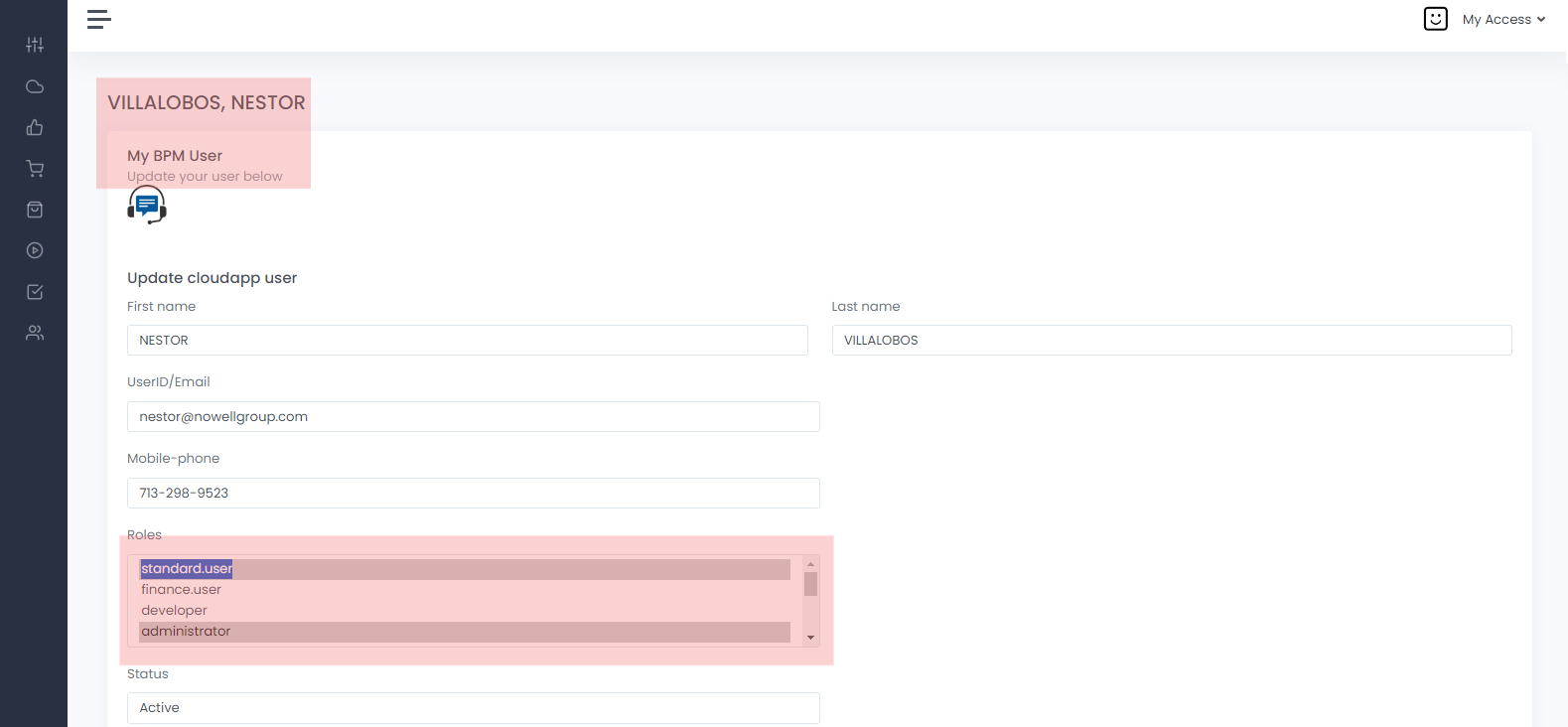
Cloud Access - Federation
Screenshot of an existing federated view of internal BPM users tha can see the application, that has been created in the system.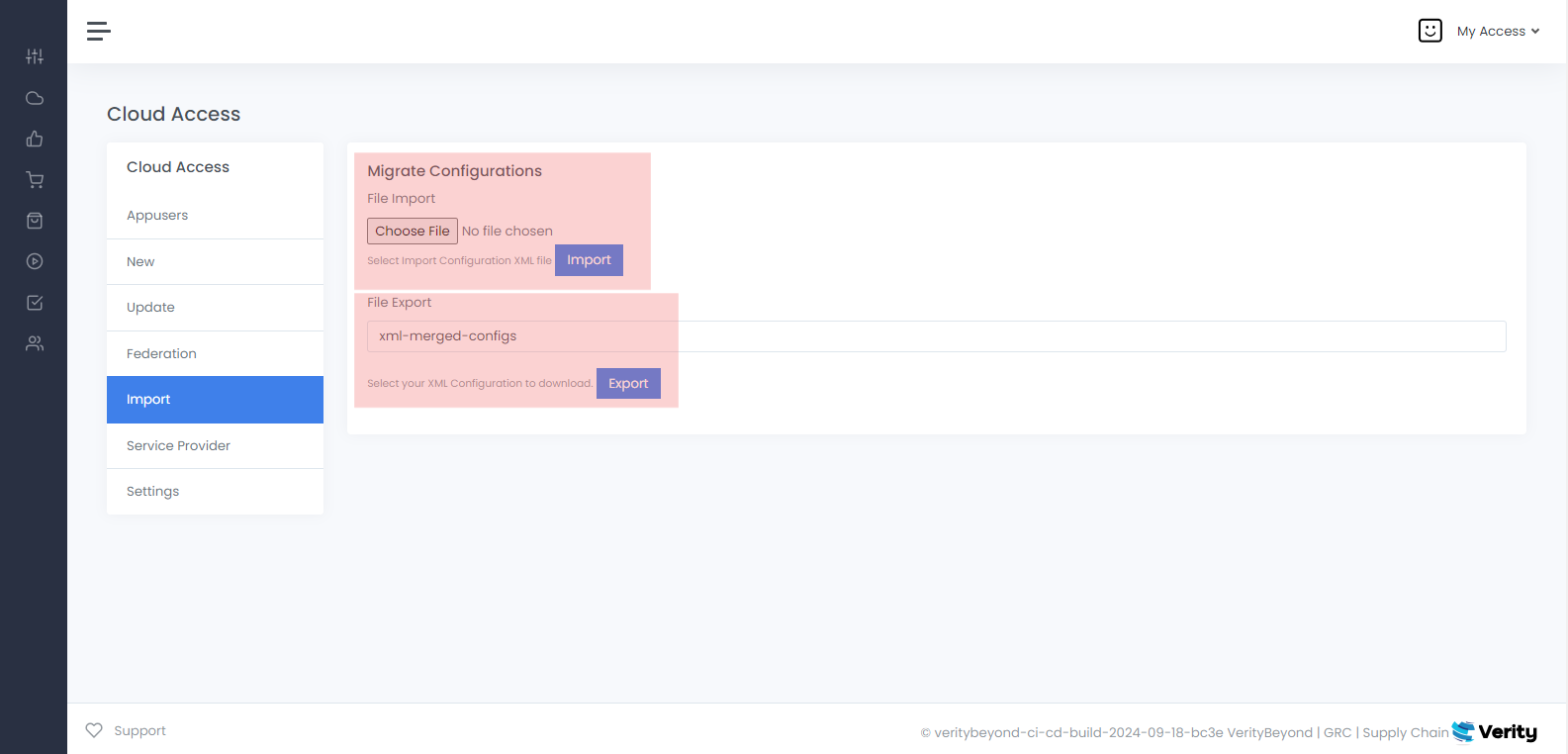
Cloud Access - Import
Screenshot of an existing request that has been created in the system. The import function is used to export class object artifact definitions from the system. Use this to export product, workflow, site, and asset metadata between environments. The data exports as CSV or XML file format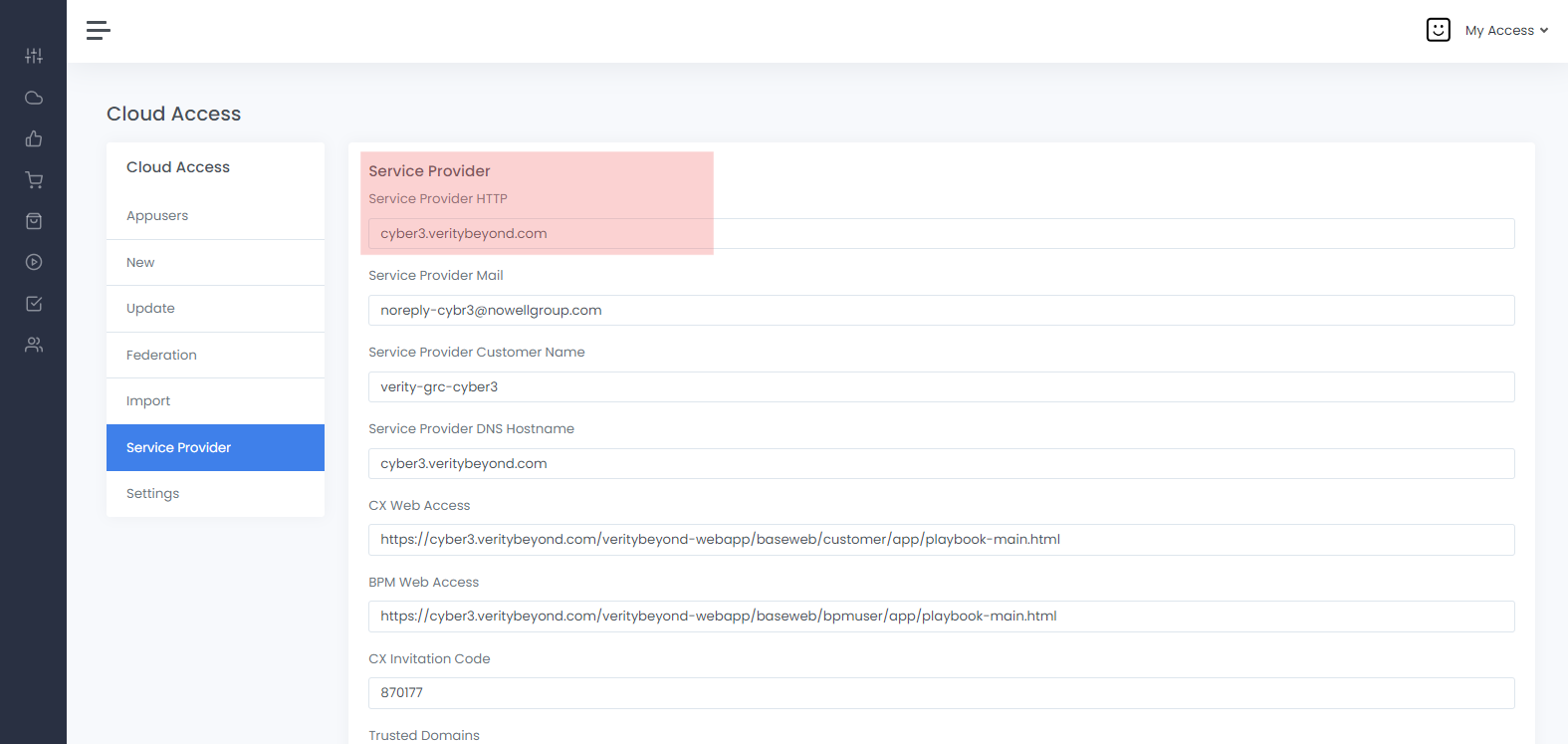
Cloud Access - Service Provider
Service Provider form shows information that is relevant to the domain instance and the variables set for the instance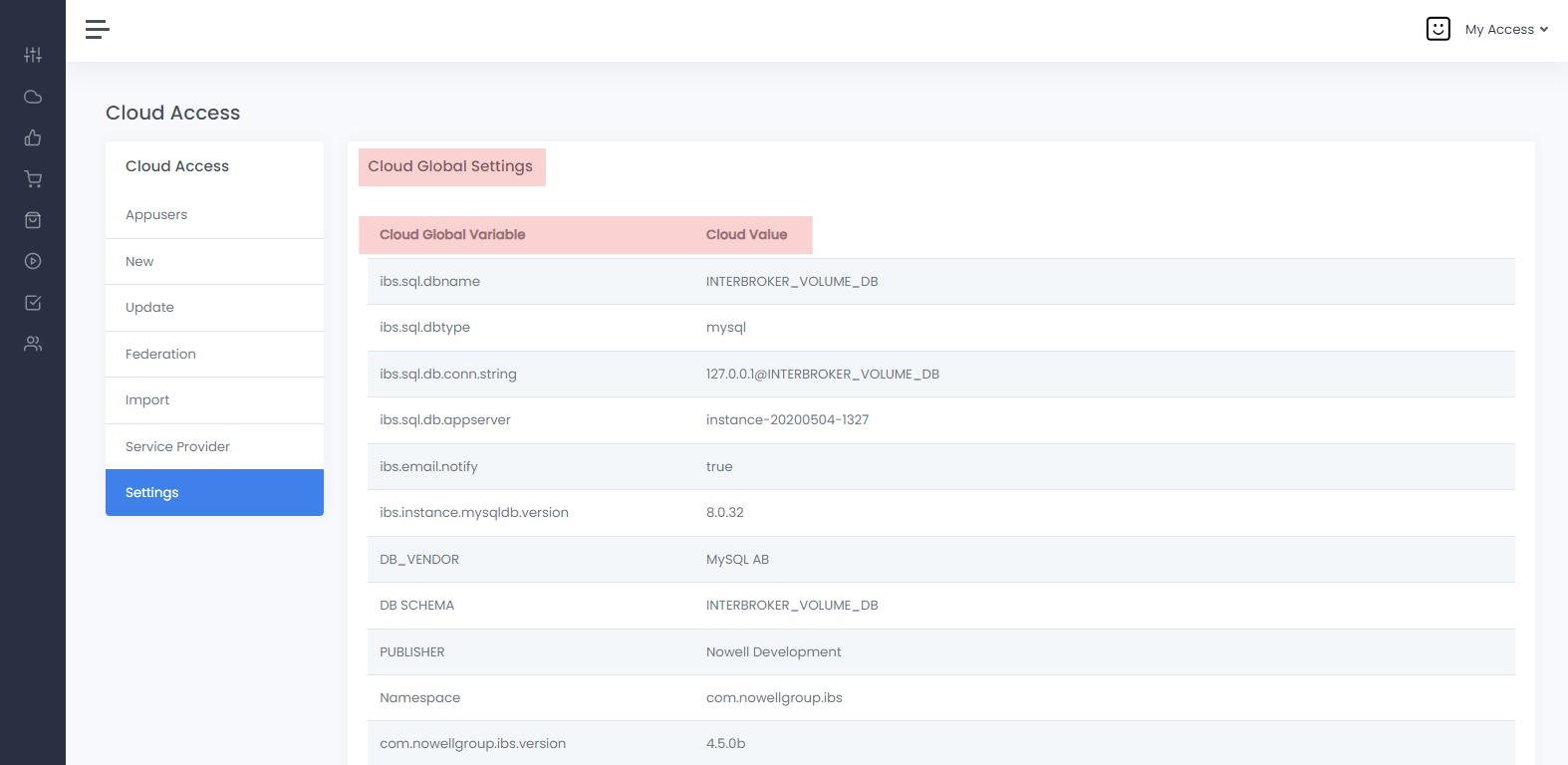
Cloud Access - Settings
Service Provider form shows information that is relevant to the domain instance and the variables set for the instance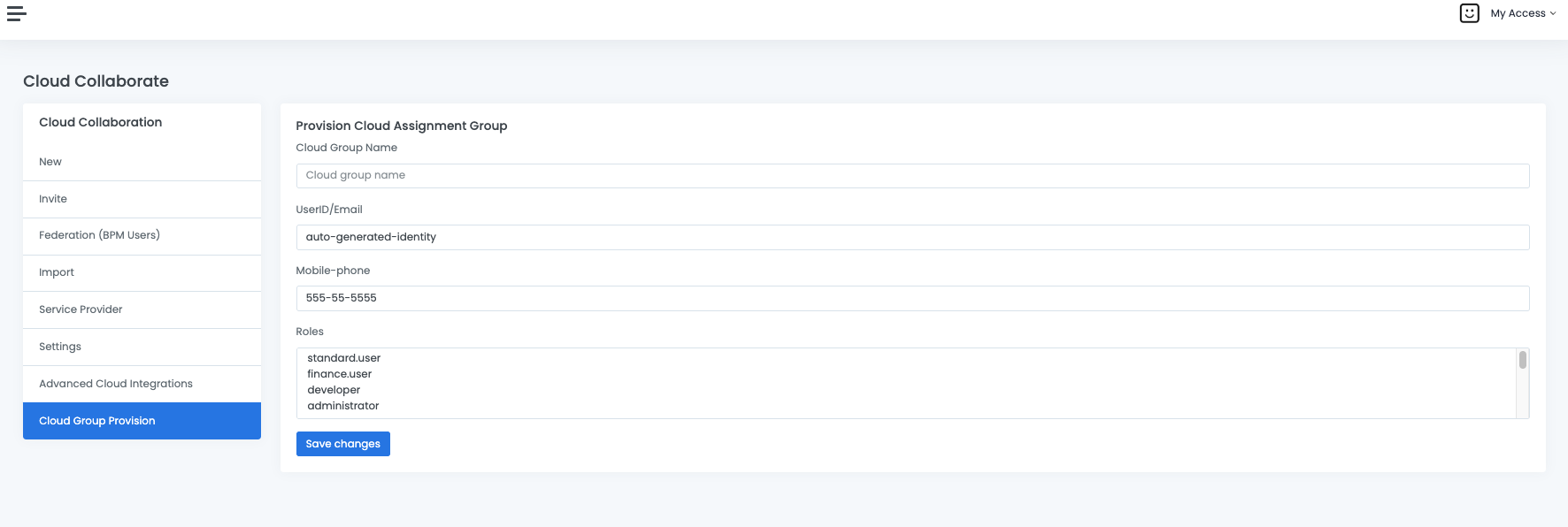
Cloud Assignment Groups
- Cloud assignment groups, comprise a list of BPM users; this usually represents a departments, a team, or a group of users equally sharing accountability for a business process/ responsibility. SOP workflow tasks, cases, certifications, tickets can be assigned to a group. Notifications are sent to all members of the group.
- Access / role entitlements granted to a group apply to all members of the group.
- A cloud group can also be a delegate owner of an asset, granting all members of the groups access to view and run certifications for the asset. To create an assignment group, an admin needs to access : Cloud collaborate --> Cloud groups provision --> Provision cloud assignment group --> give a short descriptive name of the group.
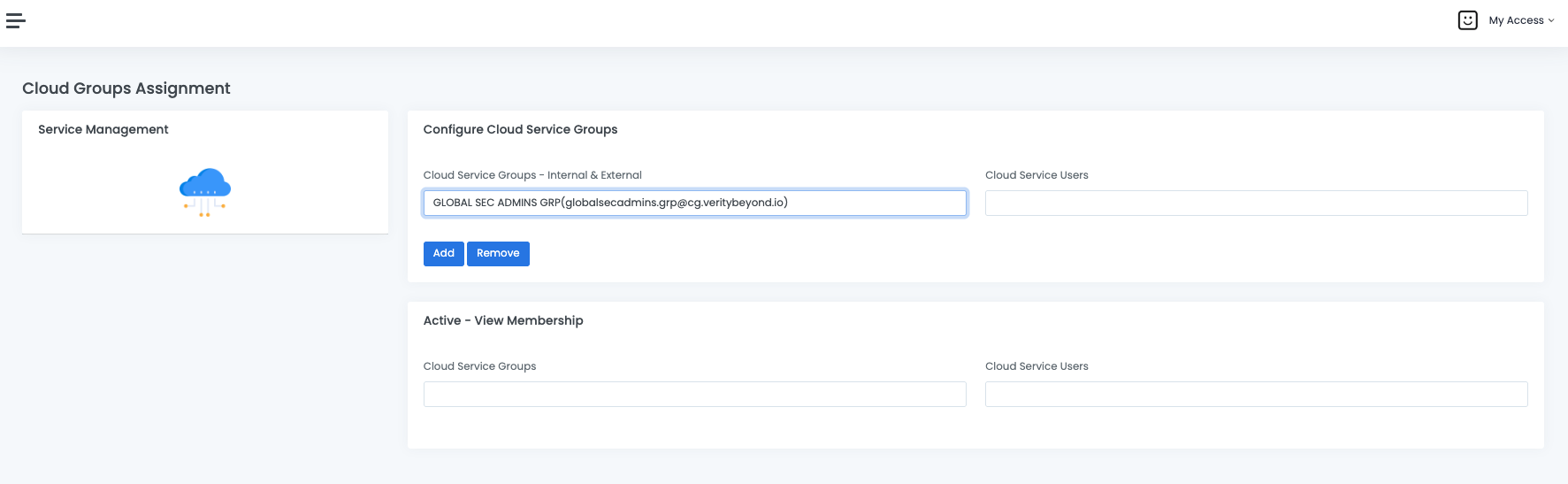
- To provision/deprovision users from a cloud group, Cloud collaborate --> Advanced cloud integrations --> cloud service management --> configure cloud service group --> select group and then add or remove users
Cloud-Access
-
Click on
Cloud Access Appusersto show all users in database. Click onCloud Access Federationto show all federated users in database that can be searched