

Asset lifecycle management | Certification Automation VerityBeyond BPM | GRC
Asset Lifecycle Management automation gives the ability to onboard your assets using automation and, we can run an asset lifecycle certification for all the assets belonging to a user, using your preferred business process for the target asset. This solution is used for asset safety and health, cybersecurity, IT service management, risk management and maintaining operational excellence
-
Start new linked certification - MyselfThis option auto generates a certification review for all the assets directly belonging to the user logged in. Undercertification workflowwe select the name of the default certification that will be run for all the assets. If an asset has a certification associated with the asset type/class for the asset, the mapped workflow will be run Configure enterprise wide certification everyoneThis option auto generates a certification review for all the assets directly belonging to the all the asset owners. Note only active assets are reviewed Undercertification workflowwe select the name of the default certification that will be run for all the assets. If an asset has a certification associated with the asset type/class for the asset, the mapped workflow will be runAssign asset class - workflow mapping setupThis gives you the ability to specify which workflow to run for an asset class. Here you can define new asset classes (custom) and assign a workflow to them. If an asset has a workflow assigned to it by asset class, every time you run that asset certification, it will use the auto assigned workflow linked to the asset class. For example if you want financial workflow to run for all financial assets, you can make that assignment.Analytics - assets certification reviewThis is an administrators view into all the ALM certifications, here they can pull statistical reports about the reviews in flight, the status, they can also extend the duration of the asset lifecyle review. There is a certification graph chart that shows the results of in-flight reviews
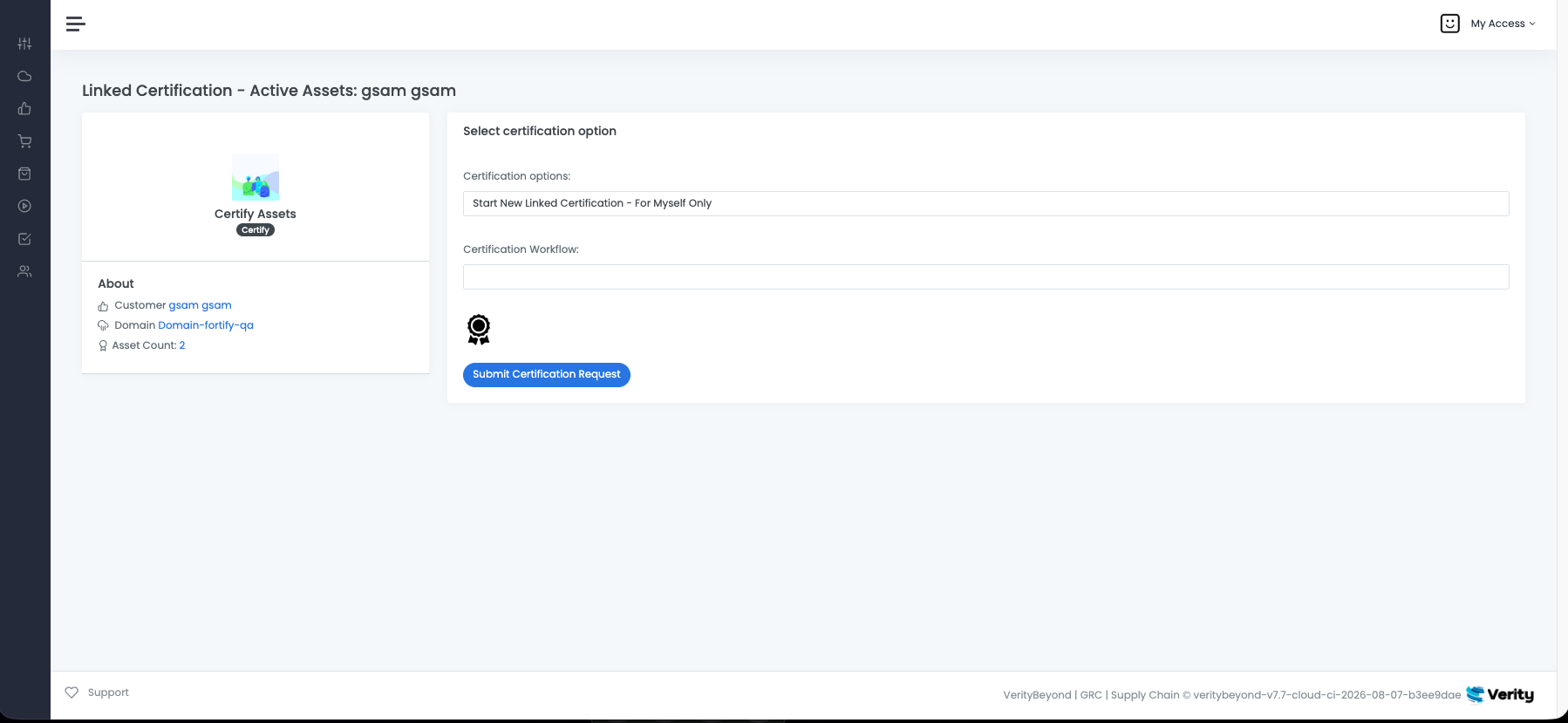
Myself only
Here they have to select the default certificaiton workflow that will run, all assets belonging to the user will use the assigned workflow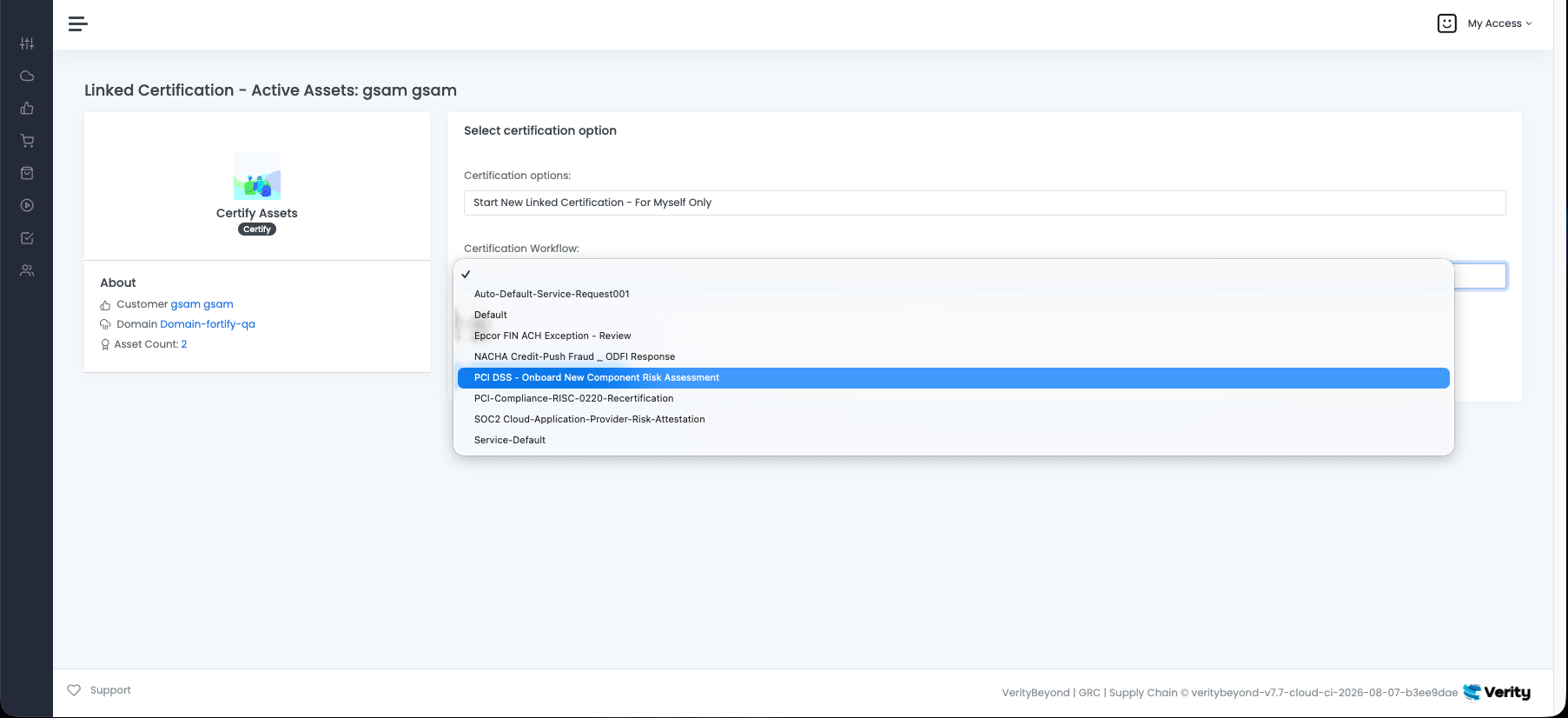
Myself only
Here they have to select the default certificaiton workflow that will run, all assets belonging to the user will use the assigned workflowConfigure enterprise wide asset review
This configures asset owner certifications for all asset owners using the default workflow selected, or if the assets have workflows assigned to the asset class, the asset class workflow will be used. The active phase tells you how long the asset lifecycle review will continue in days, during this time reminders will be sent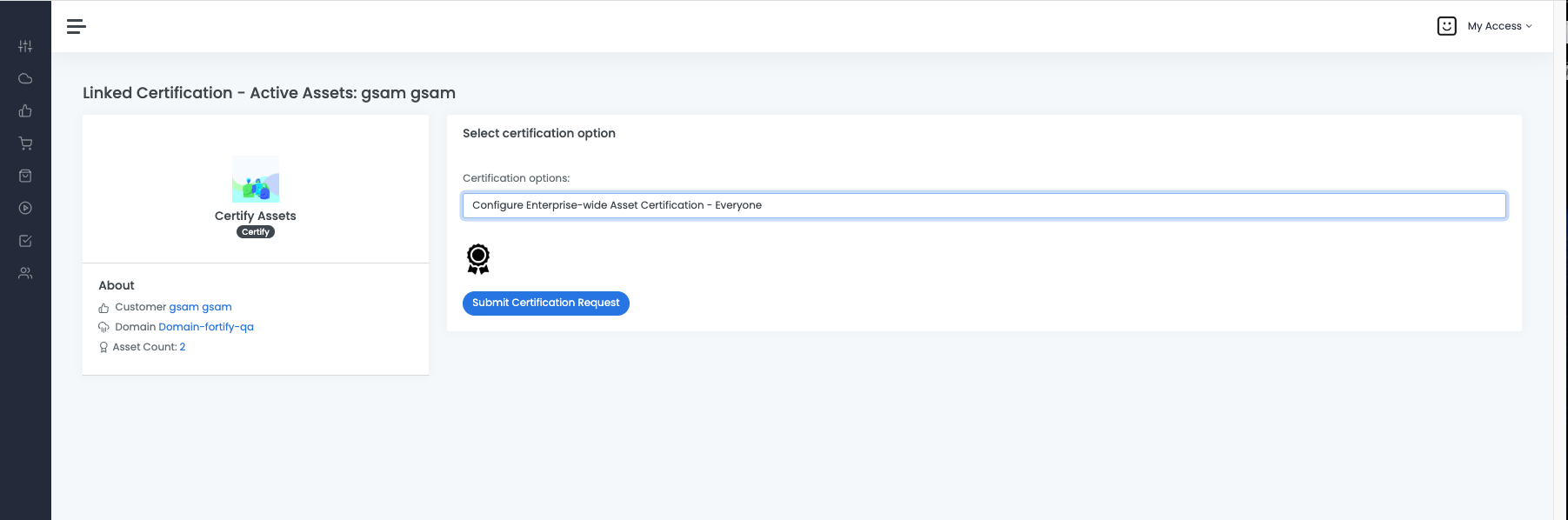
Targeted ALM asset certification
This configures targeted certifications for a target BPM application user, using the default workflow selected, or if the assets have workflows assigned to the asset class, the asset class workflow will be used. The active phase tells you how long the asset lifecycle review will continue in days, during this time reminders will be sent. The assets included will be of the asset class type filter.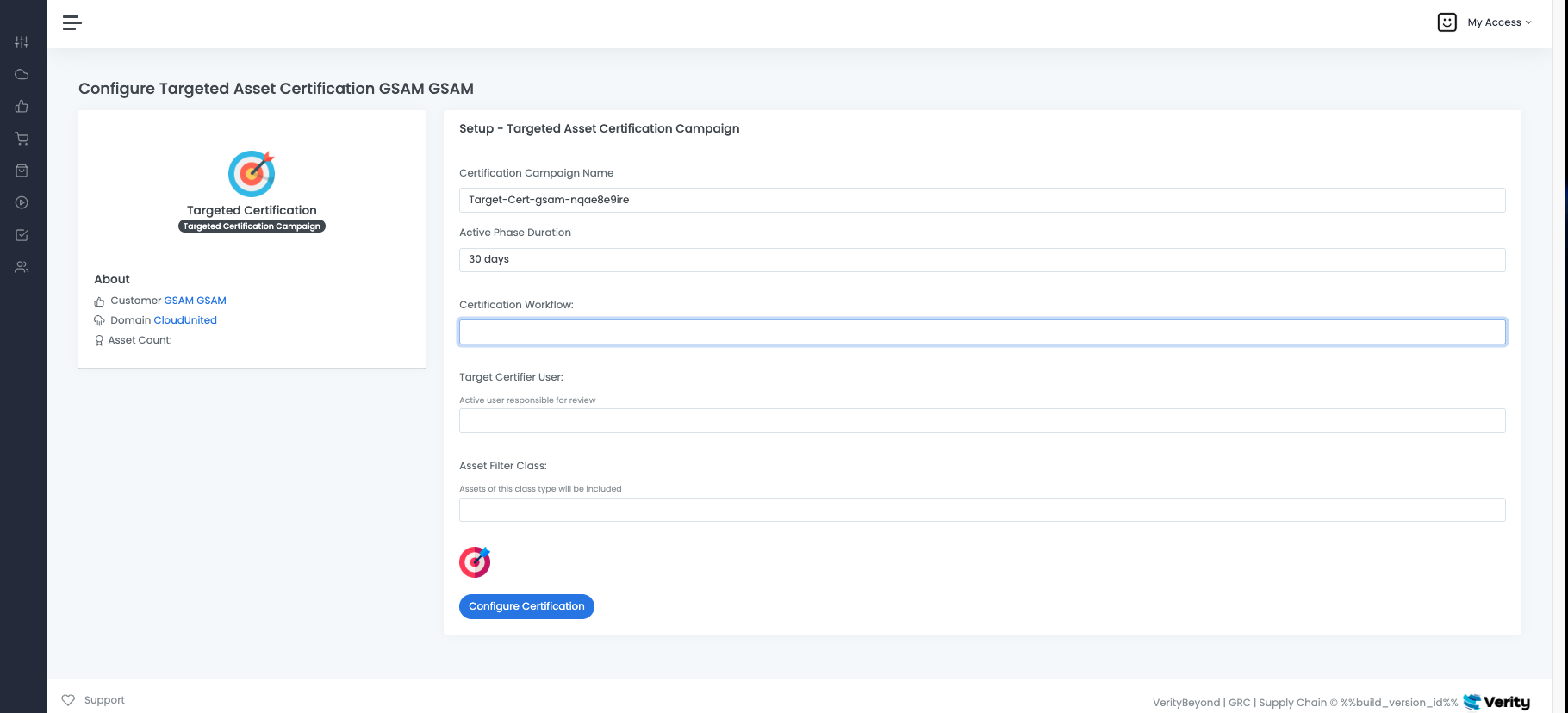
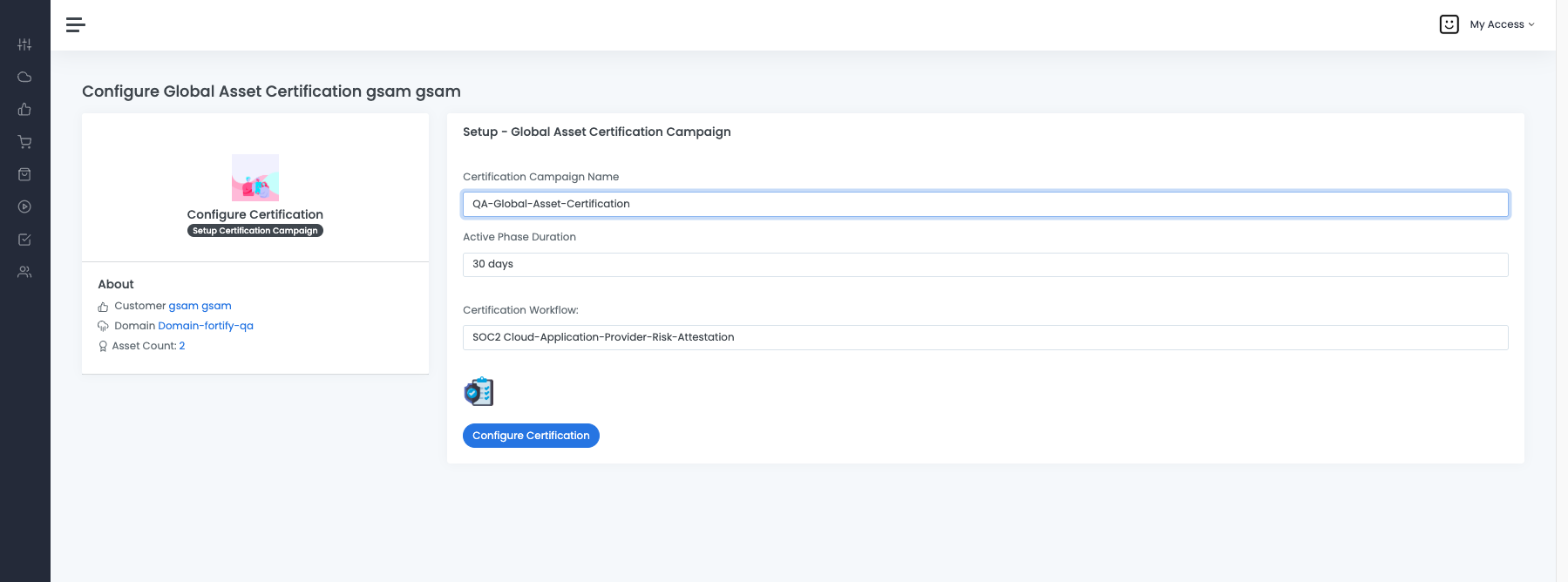
Configure enterprise wide asset review
This configures asset owner certifications for all asset owners using the default workflow selected, or if the assets have workflows assigned to the asset class, the asset class workflow will be used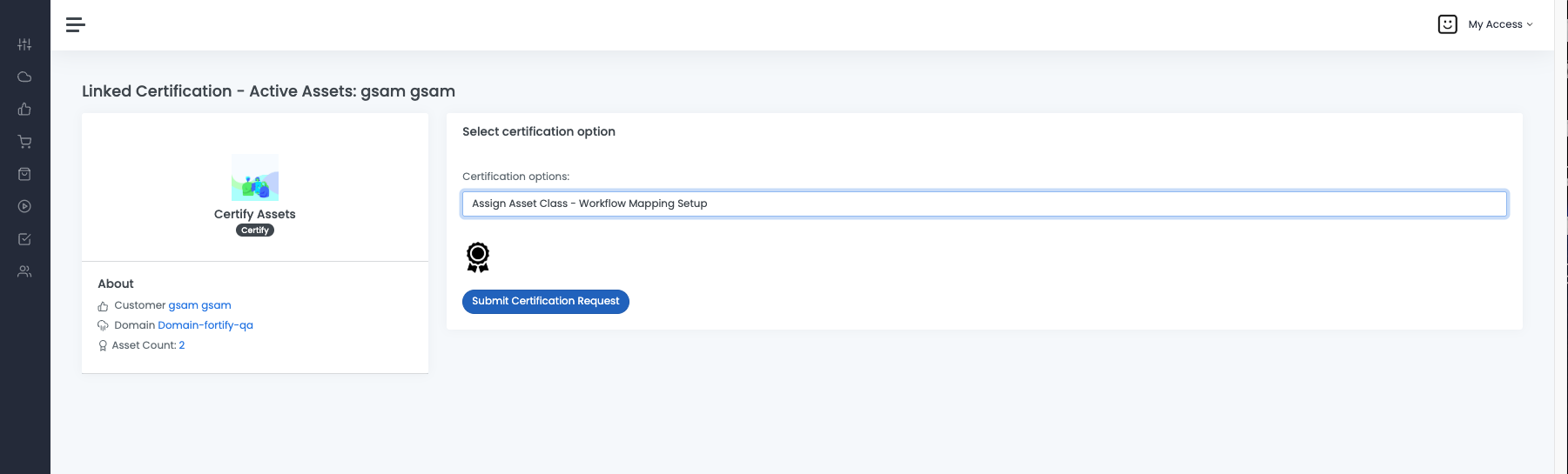
Asset class - workflow mapping
Here we can assign an asset class type to a targeted workflow for custom use cases. All assets for the class type will use the workflow linked to the class/type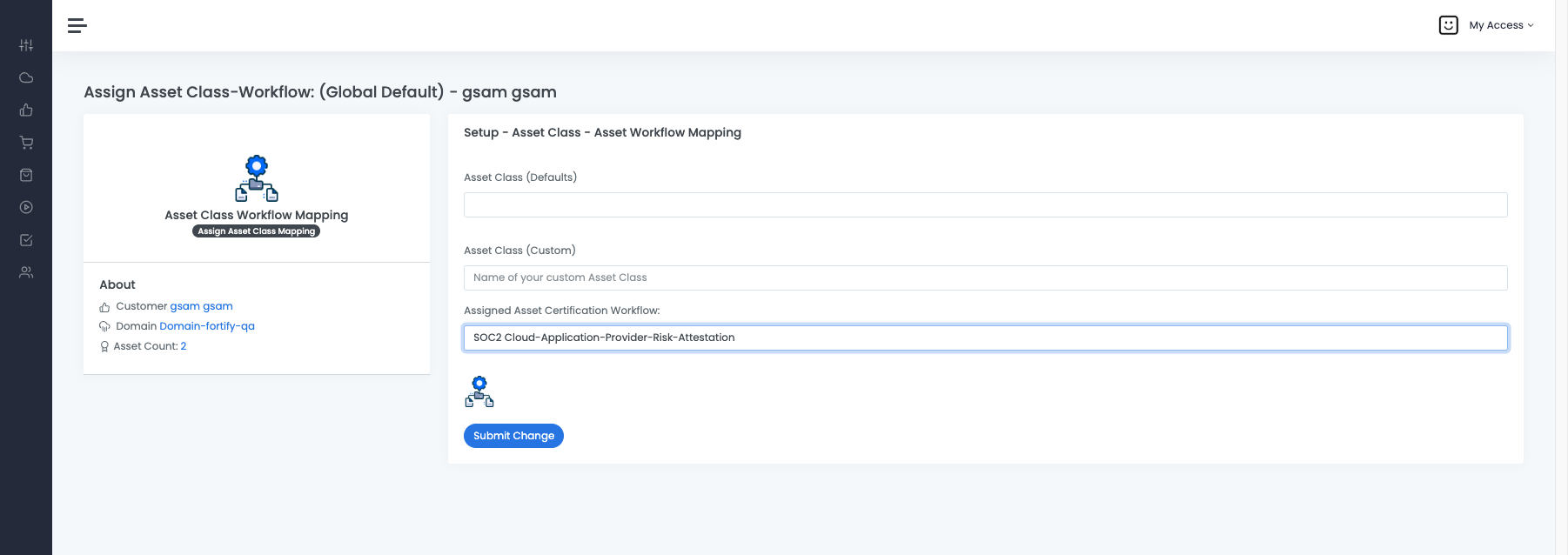
Asset class - workflow mapping
Here we can assign an asset class type to a targeted workflow for custom use cases. All assets for the class type will use the workflow linked to the class/type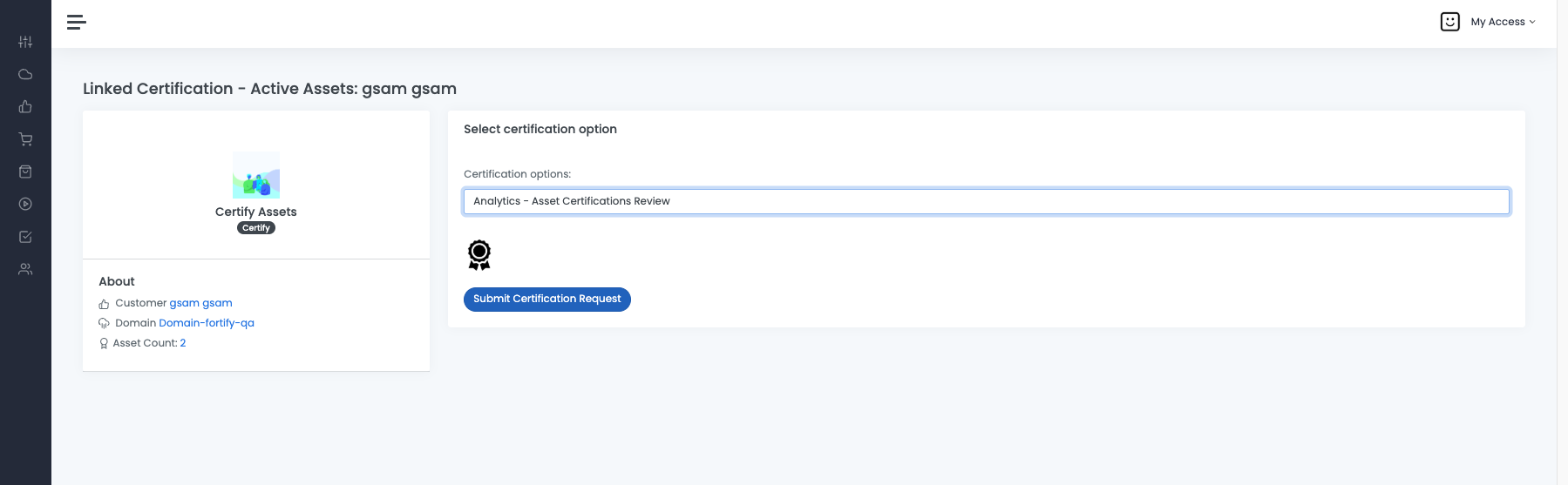
Analytics
Analytics gives you adhoc reports about the certification reviews. Running period certifications helps to maintain safety, securty, performance, and quality for all assets managed by VerityBeyong GRC - Assets lifecycle manager software as a service, linked to your preferred business process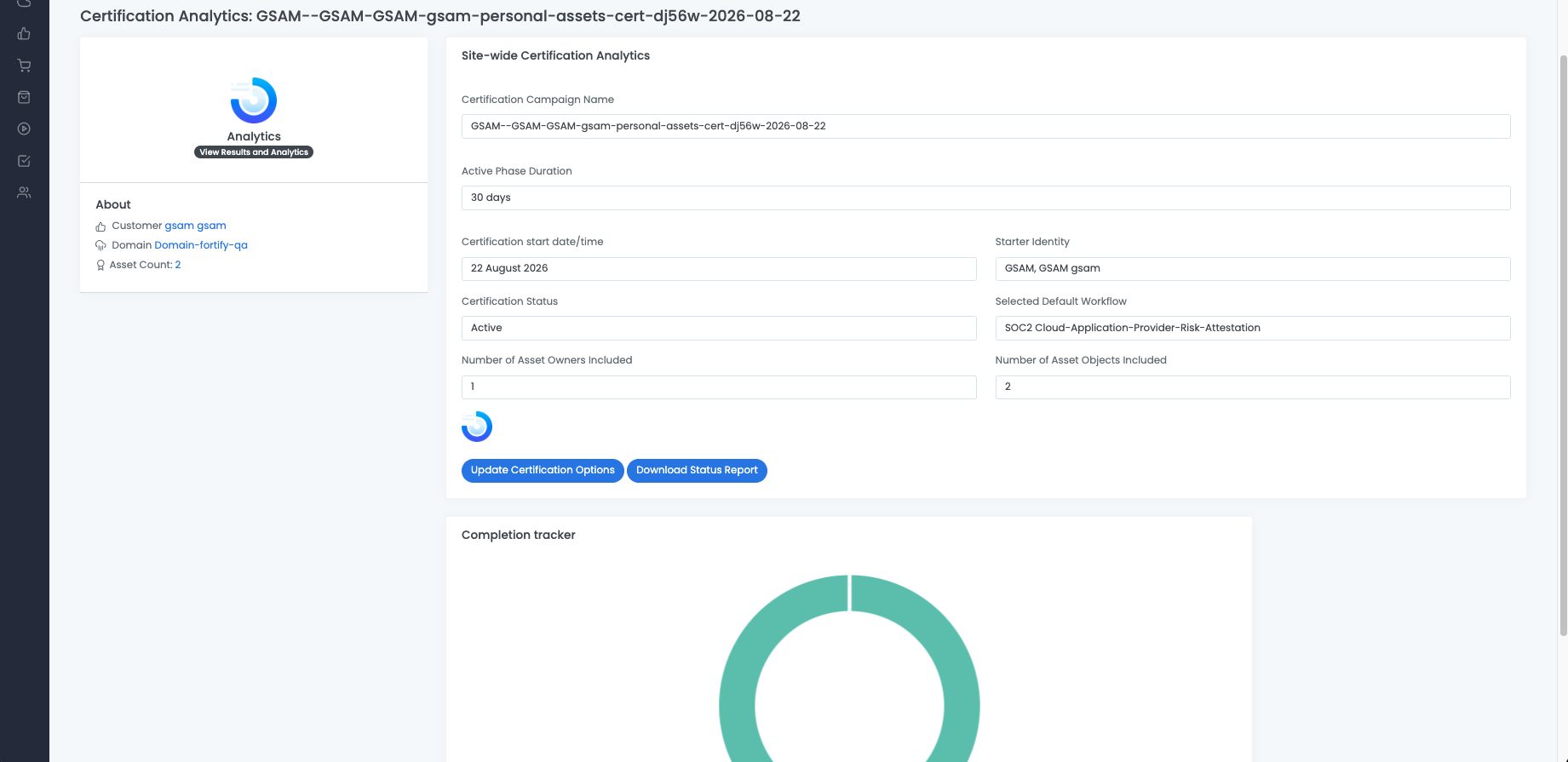
Analytics
Analytics gives you adhoc reports about the certification reviews. Running period certifications helps to maintain safety, securty, performance, and quality for all assets managed by VerityBeyong GRC - Assets lifecycle manager software as a service, linked to your preferred business processServiceNow ServiceDesk Integration
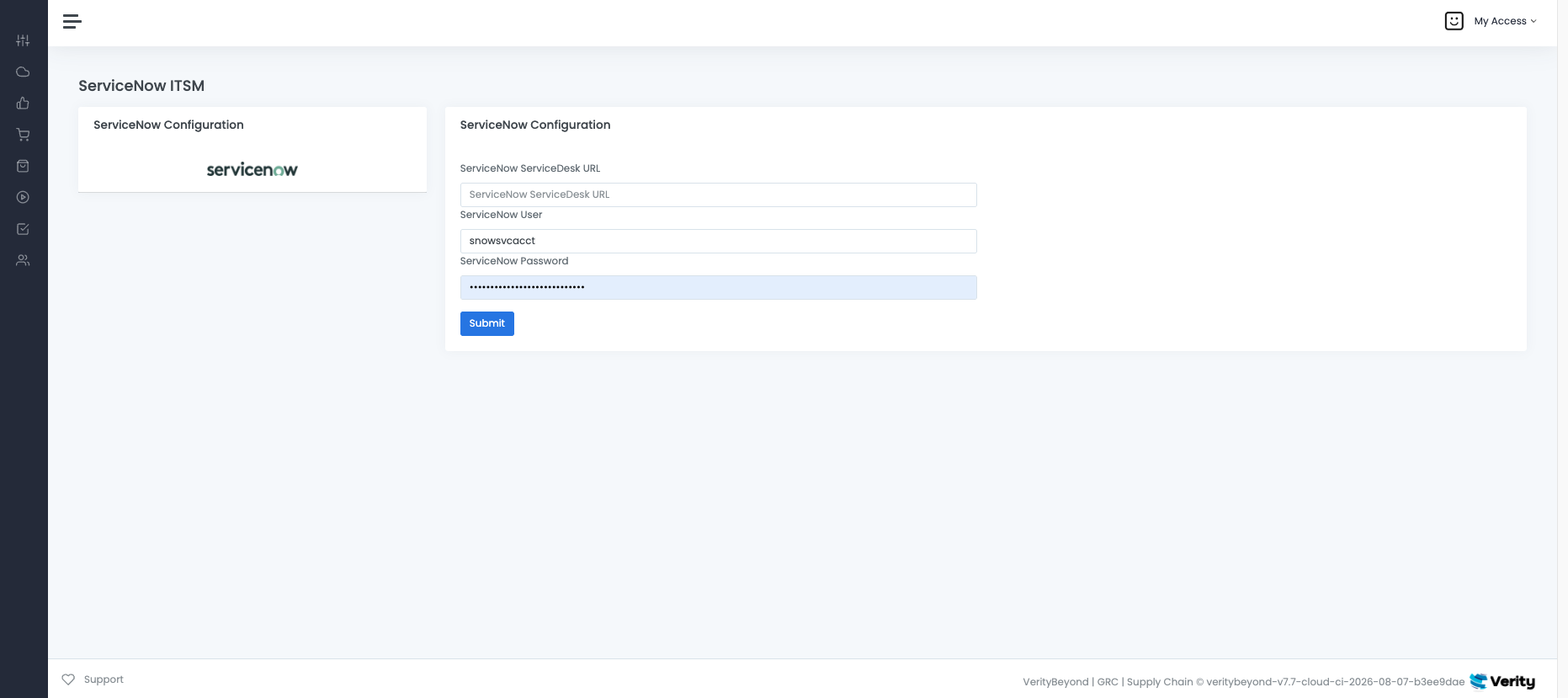
- ServiceNow service desk integration opens SNOW tickets on servicenow queue for an asset workflow
- To configure the SNOW connector, you specify the ServiceNow Service Desk URL, servicenow user and , password. Note the serviceaccount should have rights to create and update tickets
- Cloud collaborate --> advanced cloud integrations --> ServiceNow service desk
- When running a VerityBeyond GRC workflow, if it fails or hits an issue, a message is sent to the ServiceNow queue for the workflow. The name of the queue can be set on the Workflow: Product Inventory --> select workflow --> Service Mgmt Remediation
SailPoint Integration
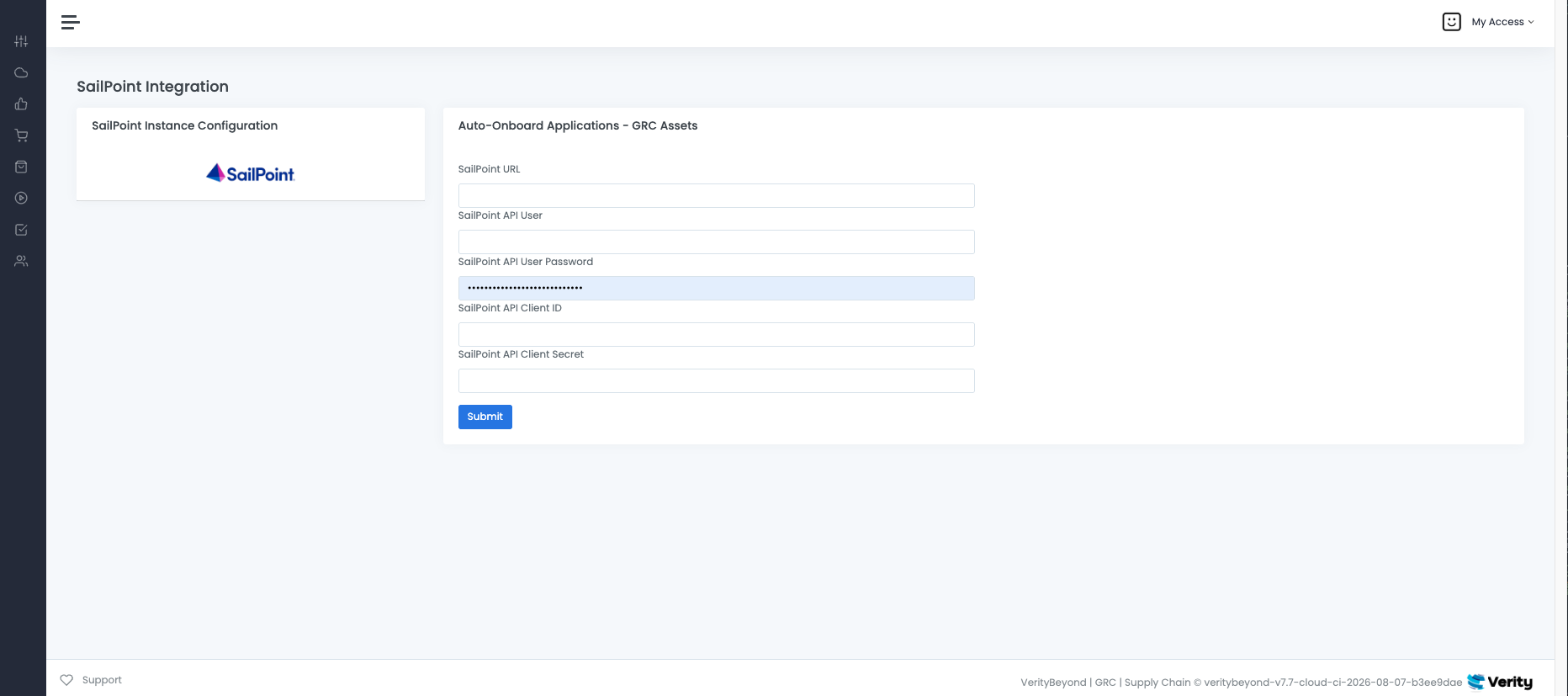
- Supports both SailPoint IdentityIQ and Sailpoint IdentityNow (ISC)
- To configure the SPT connector, you specify the Sailpoint URL, user and , password, API Client ID and Secret. Note the service account should have rights to read application and source data
- Cloud collaborate --> advanced cloud integrations --> SailPoint autosync applications
- VerityBeyond GRC will automatically pull application sources from SailPoint and store them as 'Application' assets. From here, you can associate your dependent assets as child assets for the sailpoint application, and run your business processes for the application and related assets